Byline metadata identifies the public author, publish date, and most recent update month.
Article guide
Article metadata and section shortcuts for this public resource guide.
This action leaves the article and opens the searchable public resources index.
Browse all resourcesIn this guide
Jump to a section in this resource without leaving the article.
The article body can include headings, links, lists, quotes, and images from the published resource content.
How to Choose Farmers Market Management Software
Choosing farmers market management software is easier when the team evaluates one real operating cycle instead of a feature list. Start with the next market on the calendar: which vendors need to apply or renew, which documents need review, who assigns booths, how fees are checked, and what the team must report after closeout. That sequence exposes the handoffs a generic demo can hide.
This guide is a decision worksheet for operators who run recurring farmers markets, makers markets, night markets, and vendor programs. It is not a ranked list. The right choice depends on the work your team needs to keep connected.
Start with the market week, not a product tour
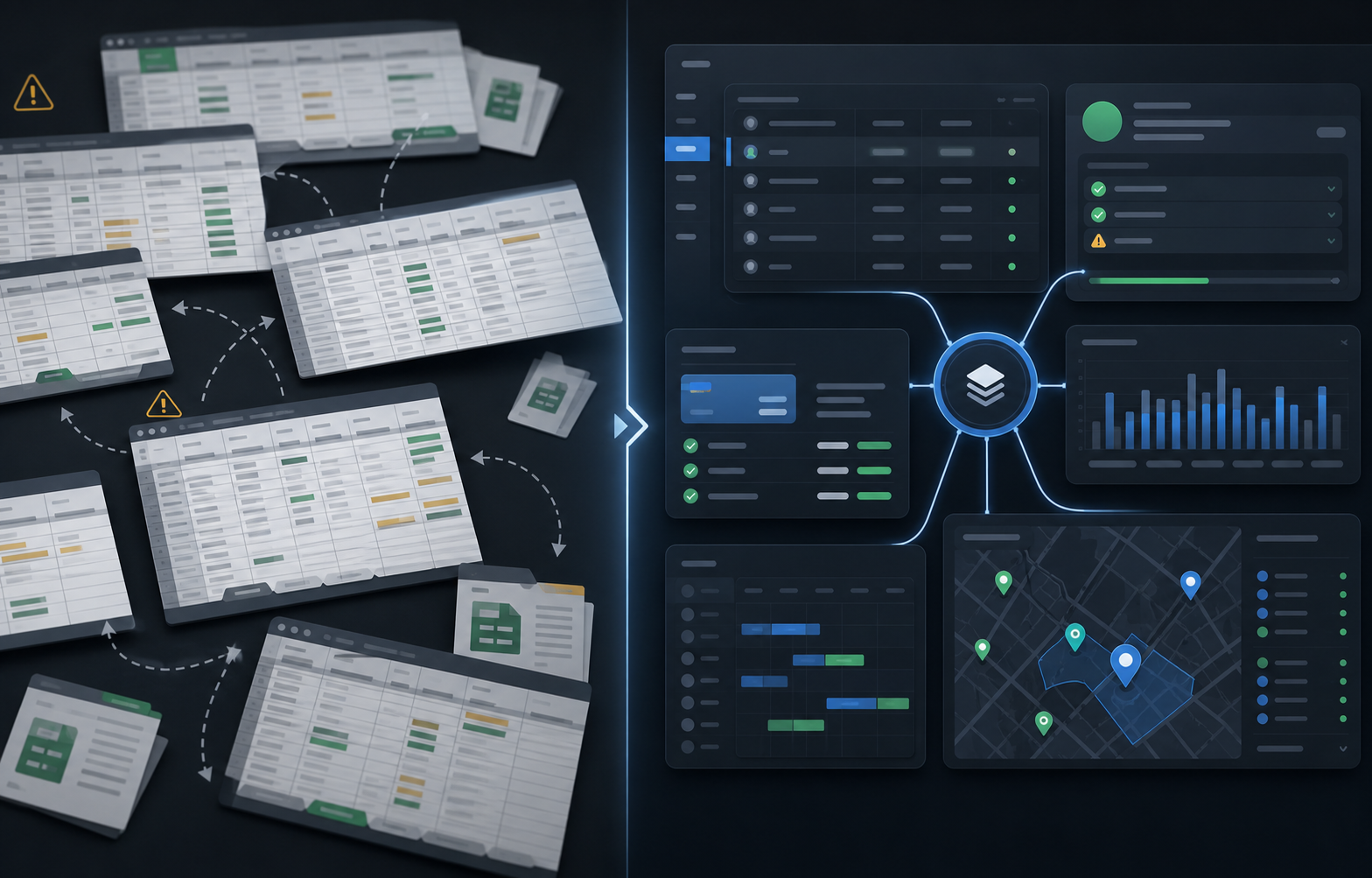
Write down the path a vendor takes from first inquiry to the next market day. A useful map normally includes application questions, required documents, review decisions, approval, vendor records, booth preferences, assignments, market-day notes, fees, and follow-up. Then mark every point where staff copy a value from a form, inbox, or spreadsheet into another place.
Those copied handoffs are the cost of the current stack. They create duplicate records, uncertainty about which version is current, and a last-minute scramble when a vendor calls with a document, booth, or payment question. A platform does not need to automate every decision to be useful. It should make the current decision, owner, and next action obvious.
Score workflow continuity before individual features
Ask each vendor to show the complete path below with one sample vendor, one upcoming session, and one late change. Avoid accepting a slide deck in place of the workflow.
- Can an applicant become an approved vendor without retyping core details?
- Can document requirements and expiration dates be reviewed alongside the vendor record?
- Can the team see booth assignments, session notes, fee posture, and follow-up in context?
- Can a manager explain what changed after market day without reconciling multiple files?
- Can public applications or visitor maps stay separate from private staff and vendor information?
Give each answer a score from 0 to 3: not supported, supported through a manual workaround, supported in the product, or connected to the next workflow. The highest score is not automatically the right purchase. It is evidence that a team can spend its evaluation time on the work that is actually expensive today.
Match the software to the size and rhythm of the market
A once-a-year event with a small, stable vendor list may only need a well-run form, a shared roster, and clear ownership. A weekly or multi-market operation has more to gain from connected records because changes compound: applications reopen, insurance expires, booth locations shift, payment notes accumulate, and reports have to reconcile across sessions.
Define the operating boundary before pricing discussions. Include the number of markets, active vendors, staff roles, application seasons, document types, fee rules, recurring dates, special events, and the reports leadership expects. This prevents the team from buying a tool that looks inexpensive for one task but creates a second stack for everything around it.
Questions that reveal implementation risk
Ask vendors to answer these questions in writing and validate them in a working account:
- What data can be imported, exported, and retained if the team changes direction later?
- Which permissions separate market managers, reviewers, finance staff, vendors, and public visitors?
- What happens to an approved vendor when a permit expires or a booth changes on market morning?
- How are special dates, closures, seasonal hours, and one-off sessions handled?
- Which reports are available at closeout, and what manual reconciliation remains?
- What setup is required before the first application cycle or market day?
The most useful answer is specific about the handoff, not a broad promise that the system is configurable. A reliable rollout plan names the initial workflow, the data owner, the success measure, and the point at which the team will decide to expand.
Red flags in a generic tool stack
Be cautious when every workflow needs a separate login, when a map has no link to vendor context, when approval does not create an operating record, or when reporting starts by exporting several spreadsheets. Those tools can still be useful in a narrow role, but the team should price the manual work honestly.
Another warning sign is a comparison that treats every feature as equal. A market that struggles with document review needs to test that handoff. A market with weekly booth changes needs to test assignments and session history. The evaluation should follow the bottleneck, not the vendor's marketing order.
A practical first-month rollout
Choose one upcoming market cycle as a proof point. Import the current vendor roster, configure one application or renewal flow, list the documents that matter, add the next sessions, and define the small set of reports the team actually uses. Track review time, vendors blocked by missing information, assignment changes, closeout time, and follow-up work. Those baseline measures give the team a concrete way to judge whether the new workflow earns a wider rollout.
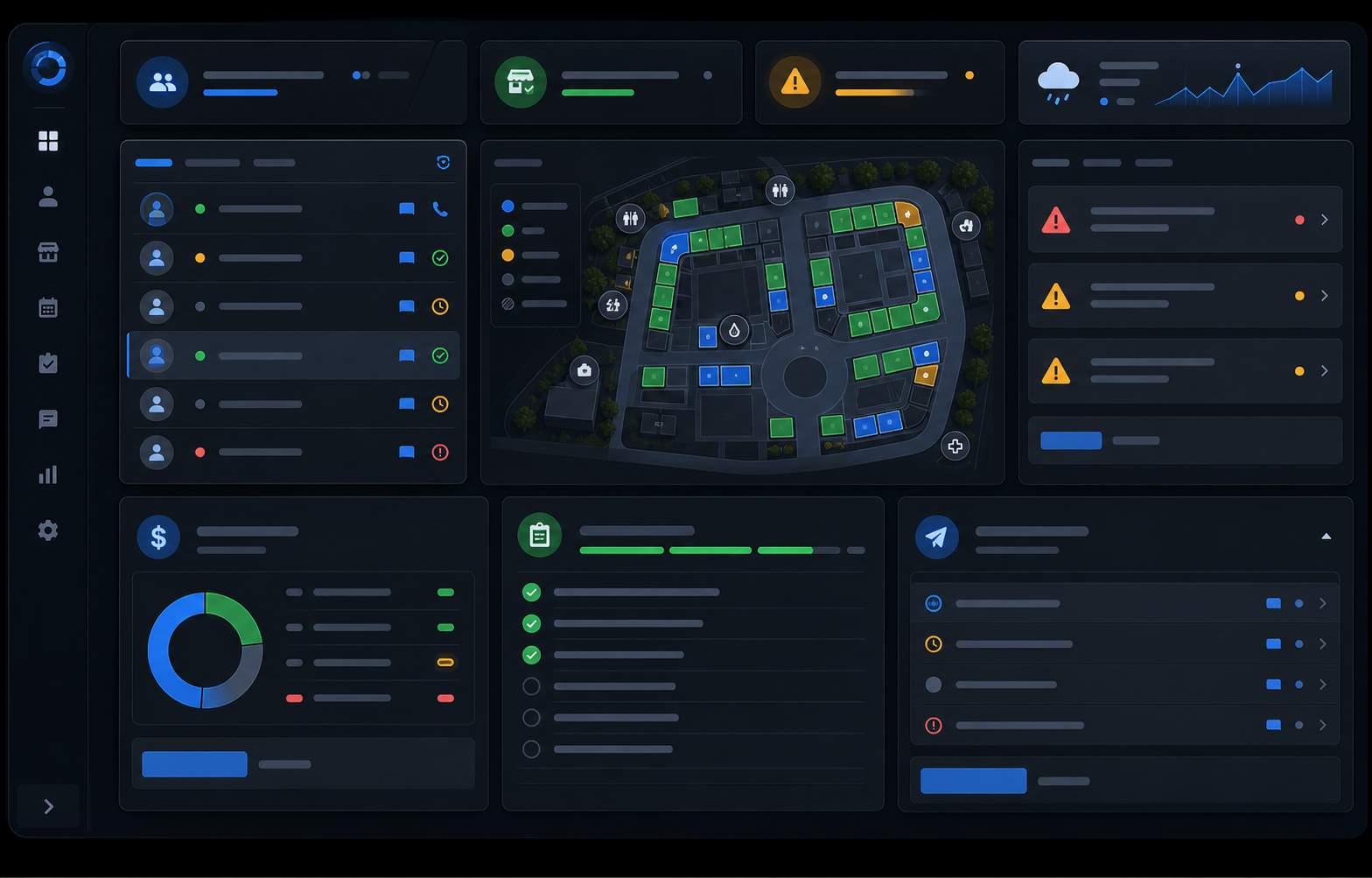
The Market Manager is designed for this connected operating model: farmers market management software that keeps applications, vendor records, permits, maps, sessions, fee review, closeout, and reporting close to the same market workflow. Use the scorecard above to decide whether that is the operating depth your team needs.
Explore the farmers market management software workflow
See how The Market Manager connects this resource topic to vendor applications, market-day operations, payments, permits, and reporting.
This action opens a related public workflow page selected from the article topic.