Byline metadata identifies the public author, publish date, and most recent update month.
Article guide
Article metadata and section shortcuts for this public resource guide.
This action leaves the article and opens the searchable public resources index.
Browse all resourcesIn this guide
Jump to a section in this resource without leaving the article.
The article body can include headings, links, lists, quotes, and images from the published resource content.
Farmers Market Market-Day Checklist
Market day runs more smoothly when the team has one shared checklist for the facts that change: expected vendors, space assignments, requirements, payments, weather decisions, and follow-up. This guide is designed for recurring farmers markets, makers markets, night markets, and other vendor programs. Adapt it to local rules, your market agreement, and the responsibilities of your staff.
It is not a legal, safety, or food-handling checklist. Use the required guidance from your local authority, insurer, and market policies for those topics.
Before the market week begins
Start with the next session rather than a generic roster. Confirm the date, hours, site access plan, staff coverage, and any special conditions such as a holiday schedule, road closure, weather risk, or seasonal layout change.
- Confirm the session date, public hours, load-in window, and the staff member who owns each decision.
- Review the expected vendor list and flag withdrawals, waitlist changes, renewals, new vendors, and vendors who need a follow-up before arrival.
- Check whether each assigned vendor has the current documents, permits, insurance, licenses, or other requirements your market actually uses.
- Review the map or assignment list for unavailable spaces, accessibility needs, power or water needs, category spacing, and known vendor preferences.
- Decide in advance who can approve a booth move, waive a routine fee, record an exception, or communicate a weather decision.
The goal is not to make every status perfect before the day begins. It is to make open issues visible early enough that the team can choose a next action instead of rediscovering the issue at load-in.
The day before
Use a short pre-flight check to turn the plan into a working shift. Staff should know where the current information lives and what to do if an expected vendor does not arrive.
- Send the current arrival, access, or weather message only if your market normally communicates one.
- Confirm the working booth list, map packet, contact method, and any public-facing updates that need to be posted.
- Identify open spaces, likely substitutions, and the sequence for filling a cancellation without disrupting the layout.
- Make sure the person handling fees or benefit-program totals knows the process, forms, equipment, and escalation contact that apply to your market.
- Prepare a simple note for incidents, vendor changes, customer feedback, maintenance issues, or follow-up that should survive past the shift.
Avoid creating a second unofficial roster in a text thread or a printed sheet that nobody updates. If a temporary paper list is necessary, name who will reconcile it with the session record at closeout.
Opening and vendor arrival
At arrival, work from the expected roster and record exceptions as they happen. This prevents the closeout team from having to reconstruct who attended, where they were placed, or why a decision was made.
- Check in expected vendors and note a no-show, late arrival, substitute, or early departure.
- Confirm the vendor is in the assigned space before moving anyone; record the reason for any swap or reassignment.
- Resolve requirement questions consistently. If a document or permit issue cannot be resolved on site, record the decision, owner, and next follow-up rather than relying on memory.
- Note site conditions that affect the session: blocked access, damaged equipment, unavailable power, a changed pedestrian route, or a weather response.
- Keep the vendor-facing explanation short and respectful. Staff can be firm about market policy without turning a routine exception into a public dispute.
Changes during the market
The market-day record should answer two questions later: what changed, and what should happen next time? Keep notes factual enough that another staff member can understand the context.
- Record assignment changes, temporary closures, incidents, vendor feedback, and operational decisions at the time they occur.
- If payments, fees, reimbursements, or benefit-program figures are reviewed on market day, record the status and the unresolved amount or owner—not just that something felt incomplete.
- Escalate safety, compliance, or customer issues using your established policy. Do not use a general operations note as a substitute for required reporting.
- When weather, staffing, or attendance changes the operating plan, capture the decision and the communication that went out.
- Before the busiest period, check that the team knows who is covering arrivals, vendor questions, customer escalation, and closeout.
Closeout and the next market week
Closeout is where a checklist becomes operating memory. Take ten minutes to preserve the information the next session will need.
- Confirm attendance or participation status and reconcile any temporary notes with the session record.
- Review fee, payment, balance, and benefit-program entries that apply to the session; assign a named owner to every unresolved item.
- Record material incidents, vendor follow-up, permit or document gaps, site repairs, and assignment changes that should affect the next layout.
- Capture the numbers your organization actually reports, such as vendor count, attendance, revenue, program totals, or market-day exceptions.
- Set a short follow-up list: who needs a message, what needs a policy decision, and what must change before the next market.
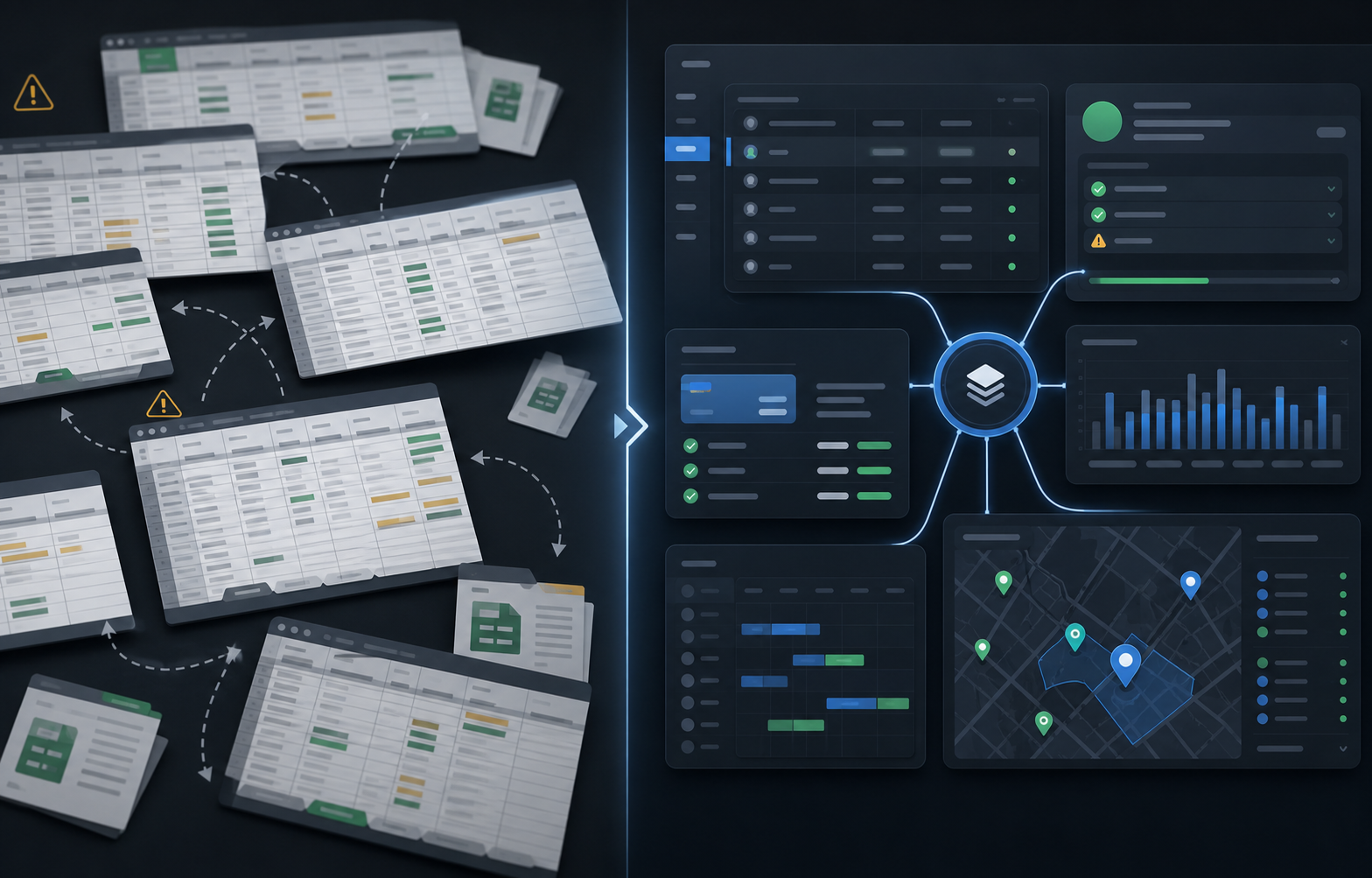
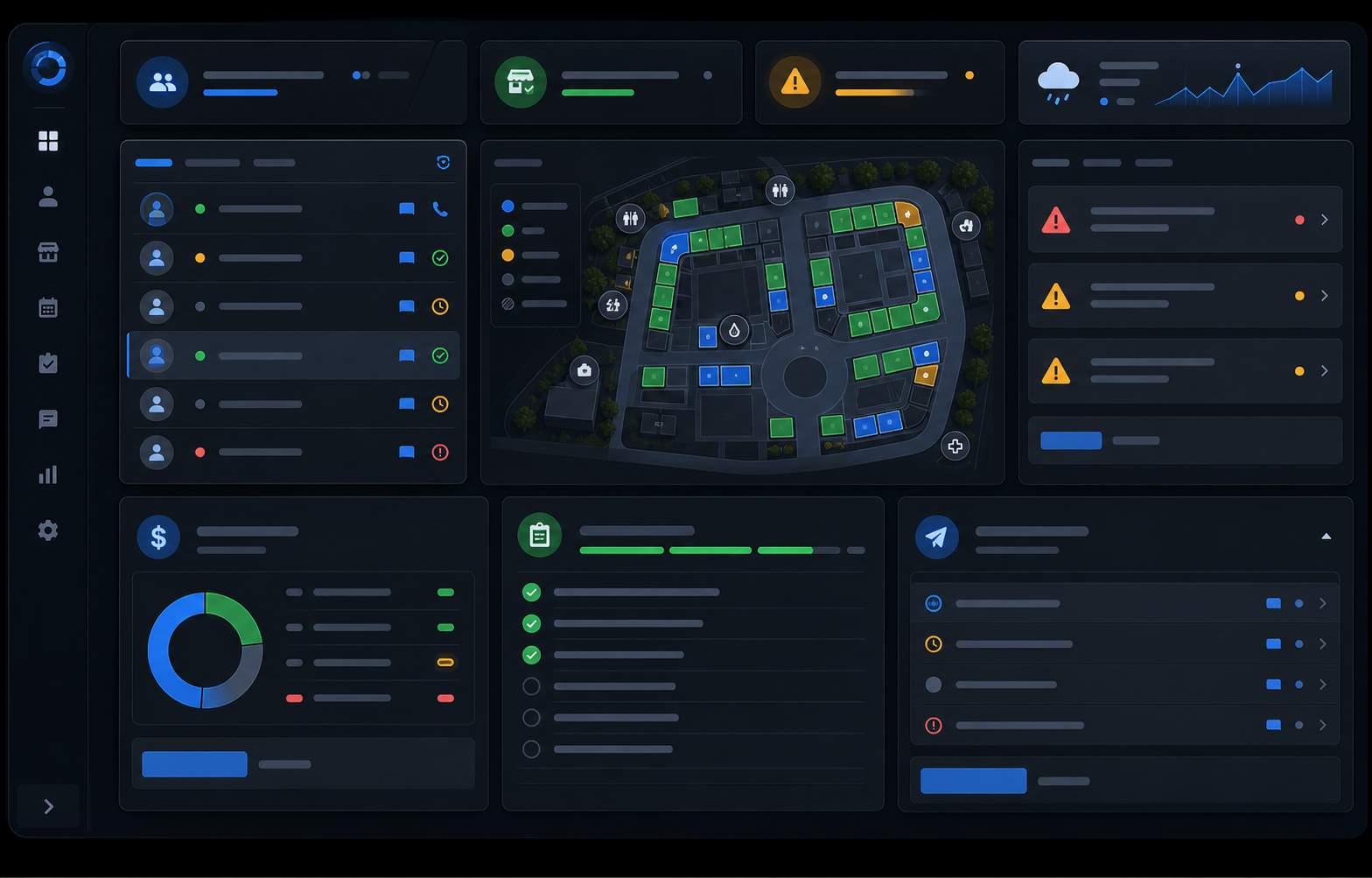
The checklist is complete when the next shift can see a trustworthy operating picture without reconstructing the day from texts, paper notes, and memory. Teams that want to keep those records connected can evaluate market day operations software against one real upcoming session.
Explore the farmers market management software workflow
See how The Market Manager connects this resource topic to vendor applications, market-day operations, payments, permits, and reporting.
This action opens a related public workflow page selected from the article topic.