01
One operating record
Applications, vendors, permits, sessions, payments, and reports stay tied to the same market workflow.
If your team is searching for a Marketspread alternative, start with the workflows that matter most to your market: vendor applications, document review, permits, booth maps, public outputs, check-in context, payments, benefit reporting, and closeout.
The Market Manager is built for recurring market operators who want the week-to-week operating picture connected from intake through reporting.
Product image and outcome cards describing connected market operations.
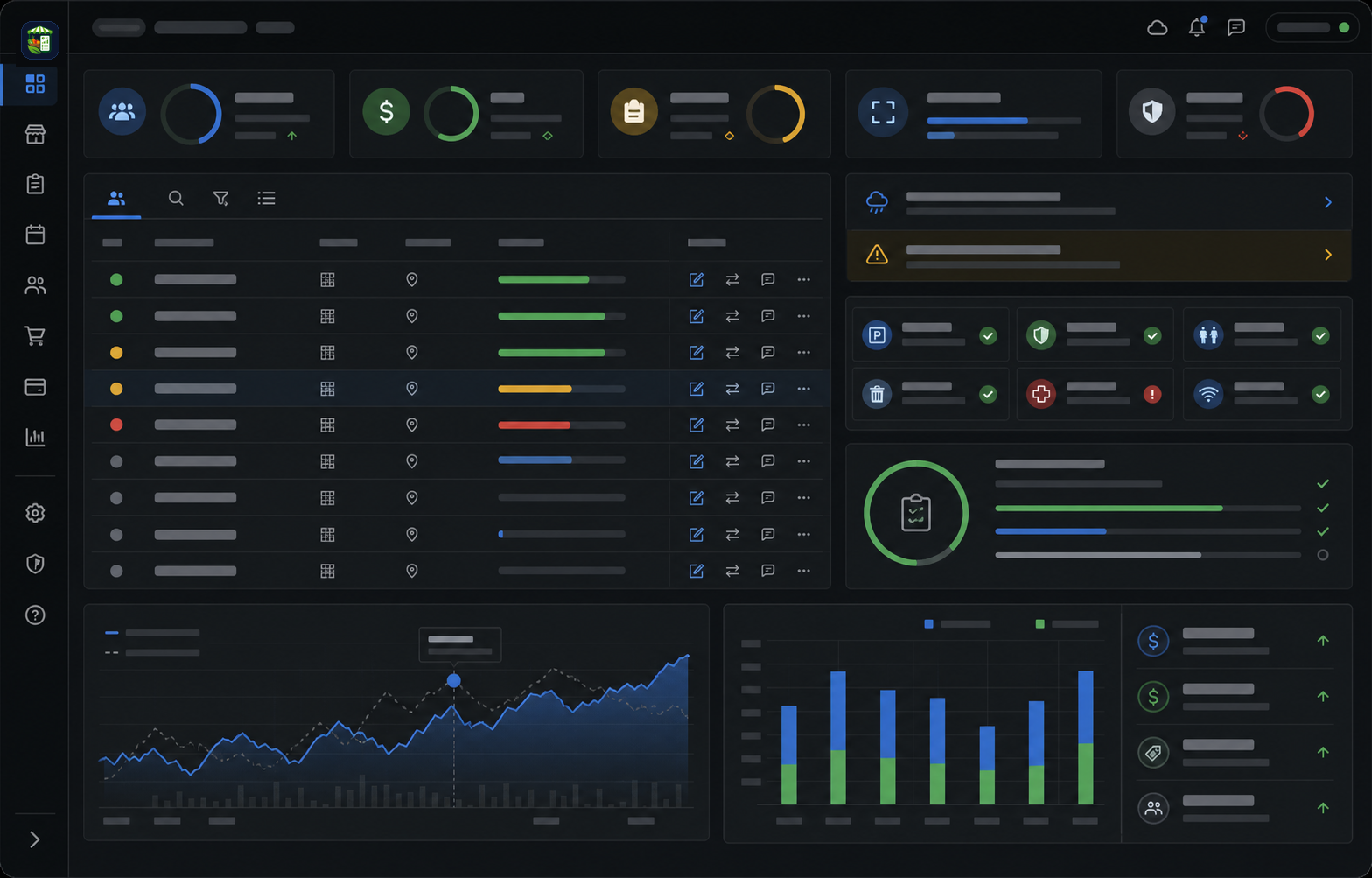
Applications, vendors, permits, sessions, payments, and reports stay tied to the same market workflow.
The team can see readiness, gaps, assignments, and closeout work without rebuilding the story in spreadsheets.
Operational context carries from intake to market day so managers can act before small problems become urgent.
Each part of the page maps to a real operating decision: what replaces the spreadsheet stack, how the team works through the week, what stays connected, and what managers should measure.
A useful alternative evaluation should focus on fit, not assumptions about another product. The Market Manager is designed around connected operating records for teams that need public intake, vendor readiness, map context, session work, closeout, and reporting to inform each other.
A single market with around 70 vendors, a larger recurring market, or a multi-market team should not choose software from the map alone. The map matters, but so do application renewal, document collection, permit readiness, weekly assignment changes, vendor questions, fee review, benefit-program reporting, and closeout after each session.
The Market Manager is a practical Marketspread alternative when the team wants a modern visual layout editor connected to vendor records, sessions, permits, payments, closeout notes, exports, and reports. If the primary need is only a standalone public directory or map-first publishing workflow, teams should compare that narrower need directly. If the goal is to reduce weekly operations cleanup, The Market Manager should be in the shortlist.
The Market Manager connects flexible layout decisions to operations. The map workflow supports drag-and-drop vendor placement, assignment swaps, unassign actions, booth status changes, movement, resize, rotation, warnings, comments, version history, public preview, and packet workflows. It should not be summarized as only a static row grid or vendor matching matrix.
The connected model gives managers context while they change the layout. Permit, payment, document, and readiness issues can remain visible as review signals instead of forcing the team to maintain a separate map and a separate compliance spreadsheet. Those signals should not be misread as ordinary map movement being locked behind perfect paperwork.
The Market Manager is not limited to a plain weekly checklist. Teams can manage recurring schedules, special open or closed dates, blackout dates, seasonal hour overrides, manual sessions, month generation, and upcoming-session sync.
That matters when a market runs holiday dates, temporary summer hours, closure dates, weather-adjusted sessions, or one-off vendor-market days and still needs maps, vendors, payments, closeout, and reports to stay connected.
Farmers market teams often outgrow disconnected systems when application details, map decisions, permit exceptions, and session closeout all live in different places. The result is repeated data entry and a weaker operating memory.
The Market Manager focuses on reducing that fragmentation so managers can understand what is ready, what changed, what needs follow-up, and what the next market week should inherit.
Use a comparison checklist before choosing any Marketspread alternative. Run the checklist against the next real market week, not a theoretical feature list. The better fit is the product that reduces the most operational friction for your team.
Start with the workflow that creates the most weekly cleanup. For many teams, that is applications, permits, booth assignments, or closeout. Once the team trusts the connected record, expand the rollout across more markets, sessions, and reporting needs.
A good visual layout is important. The deciding question is whether the map keeps the vendor, session, and follow-up context the staff needs after a change.
Load actual booths, zones, vendor needs, and constraints rather than a sample grid.
Move a vendor, mark a booth unavailable, and verify that staff can understand the reason and publish the right output.
Check whether map decisions, notes, payments, and closeout remain useful for the next market week.
Keep moving through the buying path with focused pages for adjacent workflows inside The Market Manager.
Direct answers for buyers comparing spreadsheets, form tools, and market-specific operating software.
Yes. Teams comparing Marketspread alternatives can evaluate The Market Manager for recurring farmers market workflows across applications, vendors, permits, maps, sessions, payments, closeout, and reporting.
Yes. A 70-vendor market should compare The Market Manager when it needs visual booth planning, vendor applications, document follow-up, permit readiness, weekly assignment changes, fee review, benefit-program reporting, closeout, exports, and reports in one operating workflow.
A more accurate description is flexible visual map editing with operating context: drag-and-drop placement, assignment swaps, unassign actions, movement, resizing, rotation, warnings, comments, versions, public preview, and packets stay connected to vendor and session records.
The Market Manager supports core modern map workflows including drag-and-drop placement, booth and object resizing, rotation, assignment swaps, unassign actions, public map previews, and vendor or staff packets. Its distinction is that those map decisions stay connected to vendor readiness, sessions, comments, warnings, version history, closeout, and reporting.
The Market Manager emphasizes connected operating continuity across intake, vendor records, permits, a modern visual layout editor, booth assignments, market maps, check-in context, payments, benefit-program reporting, closeout, and reports.
Yes. Teams can combine recurring schedules with special dates, blackouts, seasonal overrides, manual sessions, month generation, and upcoming-session sync.
Yes. The platform supports a modern visual map editor, booth assignment workflows, public visitor-safe map outputs, and map packets for staff or vendors.
Yes. Teams can configure benefit-program reporting inputs such as SNAP, EBT, WIC, Market Match, or other collected programs for review and reporting.
Use one real market cycle as the test: applications, permit review, booth planning, market-day notes, fee review, closeout, and exports.
Read the supporting guides, checklists, and comparisons behind this workflow.