Byline metadata identifies the public author, publish date, and most recent update month.
Article guide
Article metadata and section shortcuts for this public resource guide.
This action leaves the article and opens the searchable public resources index.
Browse all resourcesIn this guide
Jump to a section in this resource without leaving the article.
The article body can include headings, links, lists, quotes, and images from the published resource content.
Best Farmers Market Management Software
There is no single best farmers market management software for every operator. A small seasonal market can make a strong choice with a focused application workflow. A weekly market with changing vendors, documents, booth assignments, fees, and reports may need a connected operating system. The most useful buying guide helps a team define its work first, then compare products against that work.
This guide does not publish an unverified ranking. It gives market operators a practical method for choosing the best fit for their own market cycle.
Define what “best” means for your market
Write down the operational outcome you need to improve this season. It might be faster application review, fewer missing permits, better booth planning, cleaner payment records, or a shorter closeout process. One clear outcome makes it easier to distinguish a feature that looks impressive from a workflow that actually removes friction.
Then define the scope: number of markets, vendors, staff roles, application windows, special dates, required documents, fee rules, map complexity, and reporting requirements. A product can be excellent for one of these conditions and not suitable for another. Being specific before a demo is the fastest way to avoid a costly mismatch.
Use a connected-workflow scorecard
Test every option using the same sample vendor and upcoming market session. Rate each area as not supported, manual workaround, supported, or connected to the next step:
- Intake and review: public application, applicant communication, approval decisions, and document collection.
- Vendor operations: vendor records, requirements, notes, products, and historical context.
- Market planning: recurring schedules, special dates, booth inventory, assignments, and public map needs.
- Market day: readiness signals, check-in context, assignment changes, notes, and exception handling.
- Closeout: fees, payment posture, benefit-program reporting where relevant, exports, and management reporting.
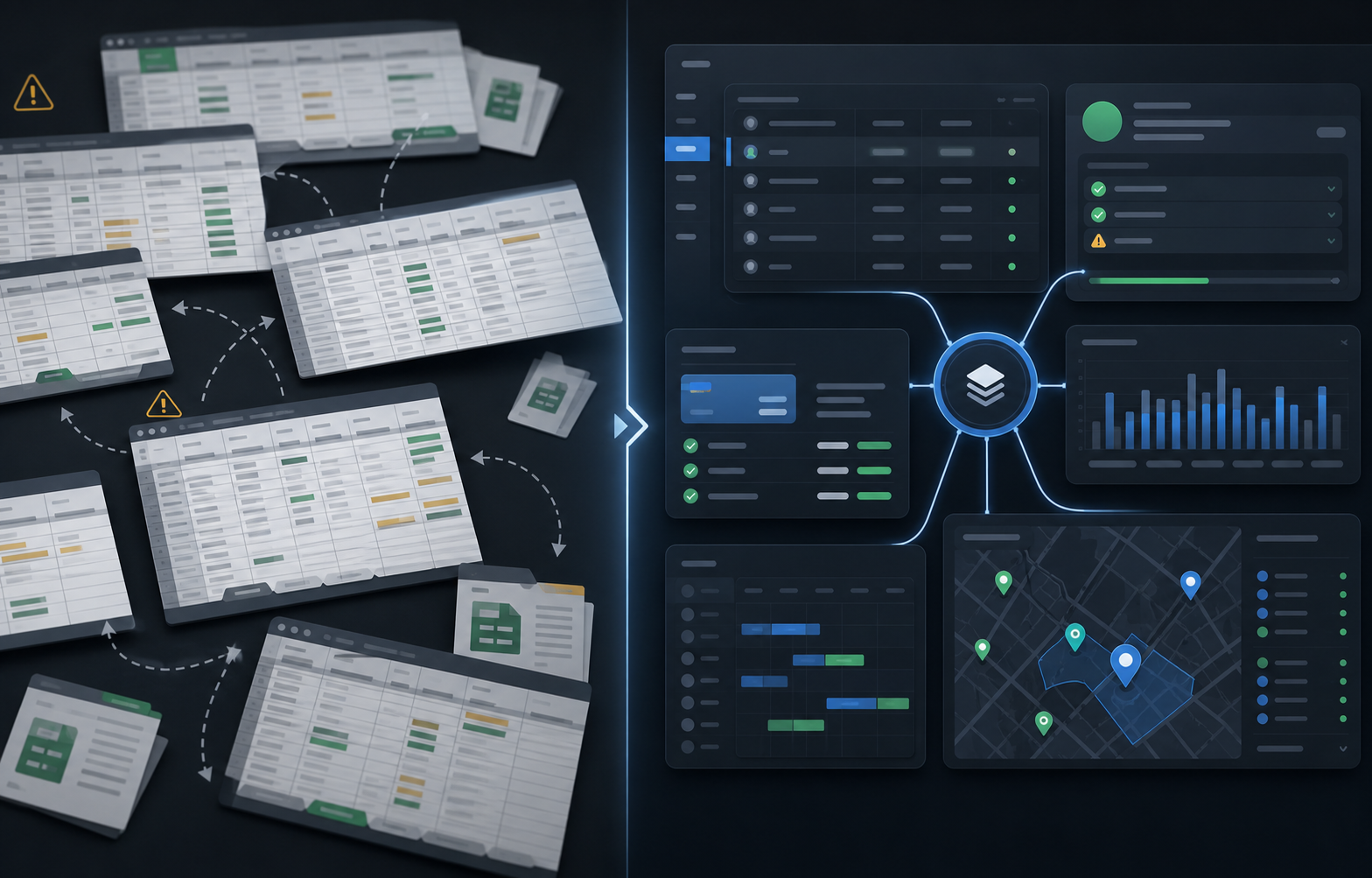
The goal is not to award points for every checkbox. It is to see where a handoff breaks. If approval data must be re-entered before booth planning, or if the session has no connection to payment and reporting, the team should factor that manual work into the decision.
Compare products by operating depth
Application-first tools can be a good match when the immediate problem is collecting vendor information. Map-first tools can be useful when placement is the only hard part. Generic event platforms can help with public discovery or ticketing. A connected market-management platform is most valuable when these workflows need to inform one another every week.
Ask each provider to show the full path from an applicant to an approved vendor, then to an assigned booth and a completed session. Ask how the team handles a missing document, a special market date, an absent vendor, a fee question, and a report request. A product that can answer these scenarios clearly is easier to evaluate than one that only displays separate feature screens.
Price the complete operating stack
Do not compare subscription price in isolation. Include staff time spent copying data, the cost of separate forms or map tools, recurring report cleanup, onboarding effort, and the risk of losing operating history when a key staff member is unavailable. Also ask about plan limits, support, imports and exports, permissions, and the cost of adding another market or season.
The lower-priced tool can be the right answer when it covers the bottleneck without creating significant work elsewhere. A more connected option can be justified when it replaces several recurring handoffs and gives the team a more reliable record after every market day.
Run a focused rollout before a broad migration
Choose one upcoming market cycle as a proof point. Import a clean vendor roster, set up one application or renewal program, configure the relevant requirements, load the next sessions, and prepare a small number of reports. Measure the time required for review, blocked-vendor follow-up, assignments, market-day changes, closeout, and reporting.
Define success before the rollout begins. For example: fewer duplicate records, a clear owner for every requirement, a faster closeout, or a report that no longer requires manual reconciliation. This creates a better buying decision than relying on a first impression from a feature tour.
When connected operations are the right fit
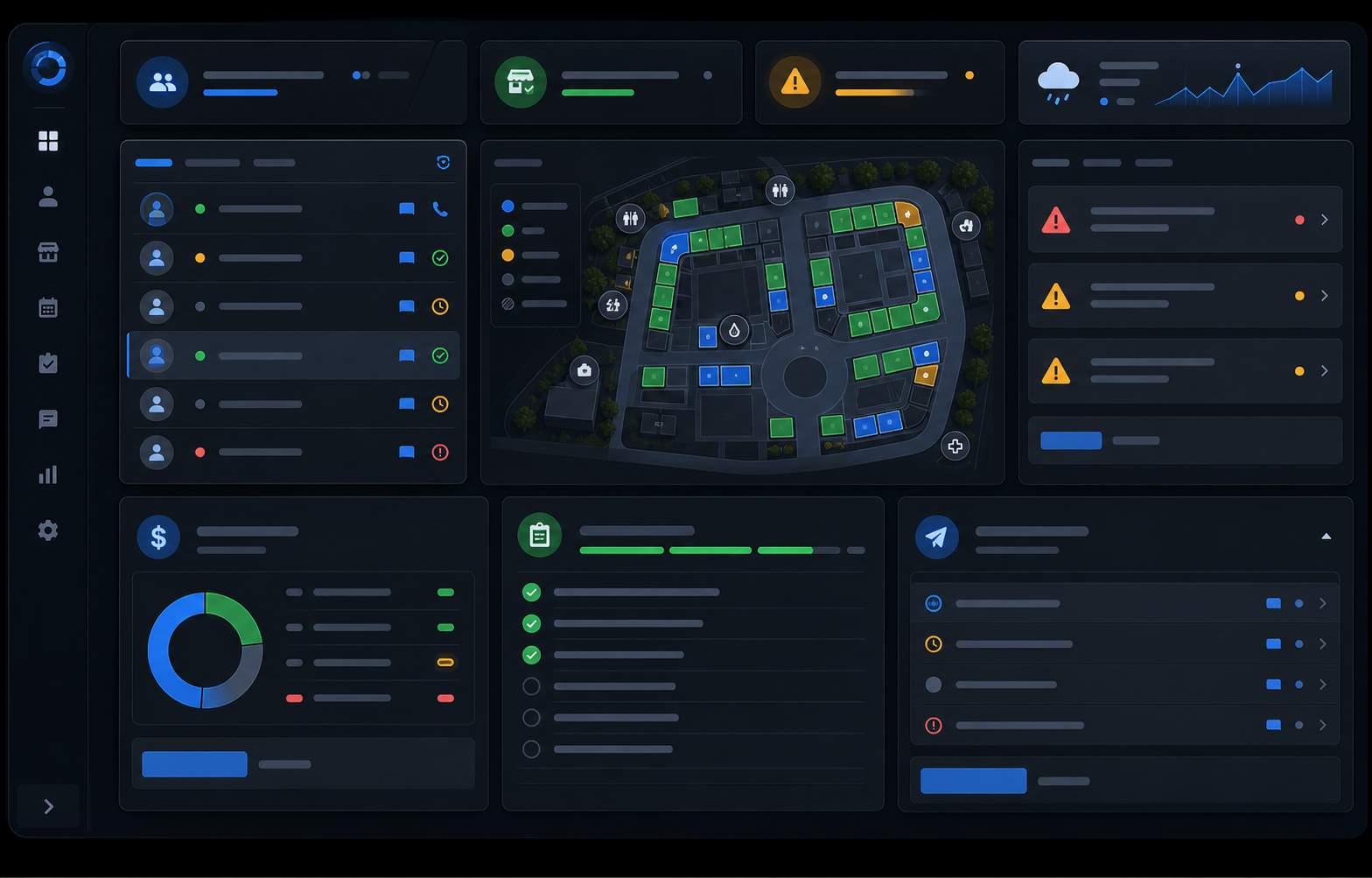
The Market Manager is built for recurring vendor markets that need applications, vendor records, permits, maps, sessions, fees, closeout, and reporting to remain connected. It may be a strong option when your scorecard shows that the current stack breaks at those handoffs. Compare it with the same market-week scenarios you use for every other product, then choose the fit that makes the operating picture easier to trust.
Explore the farmers market management software workflow
See how The Market Manager connects this resource topic to vendor applications, market-day operations, payments, permits, and reporting.
This action opens a related public workflow page selected from the article topic.