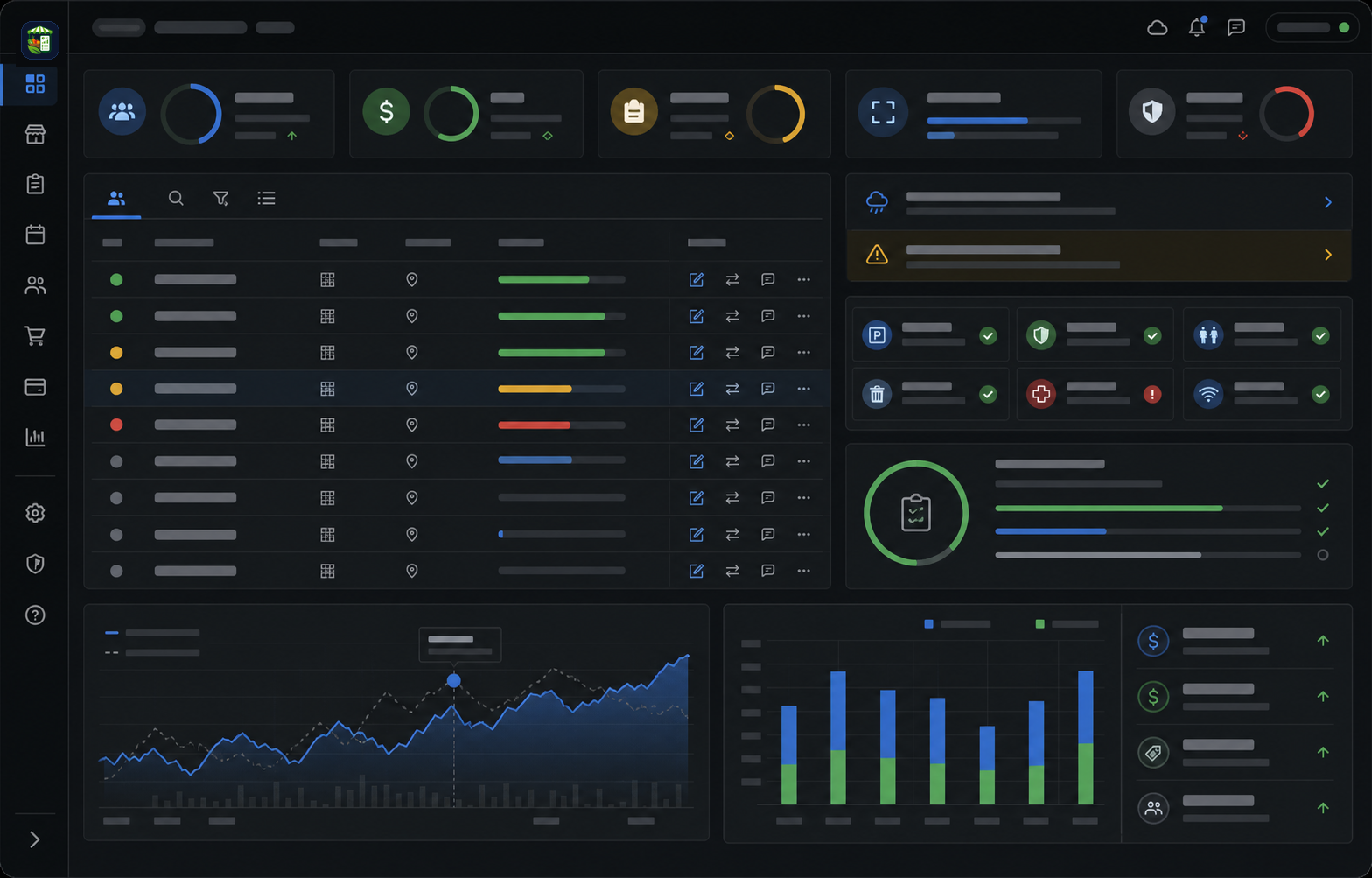
Live session context keeps roster, assignment, permit, payment, and note details visible while the market day is active.
Market day operations workflow markers summarize the live session, command, and closeout areas covered by this public page.
Market day operations software for live vendor markets
Market day is where small operational gaps become visible. The team needs to know who is expected, who is assigned, who is missing a requirement, what has changed, and what money needs to be reviewed after the market closes.
The Market Manager connects live session context with vendor history, permits, assignments, payments, notes, and closeout so the day does not disappear into scattered texts and spreadsheets.
Start the public registration flow with the starter plan selected.
Open public pricing to compare market day operations plans and limits.
Open the custom plan request form for larger or unusual market day operations.
Market day operations outcome summary
Product image and outcome cards describing live session context, cleaner money review, and follow-up that carries forward.
Market day operations outcome cards describe live session context, money review, and follow-up continuity improvements.
Money review keeps fees, balances, payment posture, and closeout progress tied to the session record.
Follow-up context carries exceptions, notes, and unresolved items into the next market week.
A market workflow page, not another keyword page.
Each part of the page maps to a real operating decision: what replaces the spreadsheet stack, how the team works through the week, what stays connected, and what managers should measure.
Market day workflow operating outcomes explain how connected session records reduce closeout and follow-up gaps.
Live session context keeps roster, assignment, permit, payment, and note details visible while the market day is active.
Roster, assignment, permit, payment, and note context stay visible while the market day is active.
Money review keeps fees, balances, payment posture, and closeout progress tied to the session record.
Fees, balances, payment posture, and closeout progress stay tied to the same session record.
Follow-up context carries exceptions, notes, and unresolved items into the next market week.
Exceptions, notes, and unresolved items remain available for the next market week instead of disappearing after closeout.
Public market-day pages stay separate from private session records.
Buyers can evaluate the market-day operations workflow here, while vendor rosters, assignments, permits, payments, notes, exceptions, and closeout records remain inside authorized workspaces.
Market day public boundary notes distinguish buyer-facing product content from protected live session and closeout records.
Public product pages help buyers compare market-day workflows without exposing live session records.
This page explains live session workflow fit, pricing paths, and supporting public resources.
Private market-day session records remain protected inside authenticated workspaces.
Vendor rosters, assignments, permits, payments, notes, exceptions, and closeout records stay behind authorized access.
Market day operations workflow sections break down the buying page by session planning, live operations, payments, and closeout decisions.
Session command view
A session command view gives the team a practical operating picture for the day. It should show vendor readiness, assignment context, permit posture, weather pressure, and open follow-up before the market gets busy.
Money movement
Money movement should connect to session activity. Market teams need to know which fees apply, which payments are complete, what balances remain, and what still needs review before closeout is trusted.
Closeout memory
Closeout is more valuable when it preserves memory for the next session. Notes, exceptions, payment issues, attendance, and vendor follow-up should remain connected to the vendor and market record.
Clipboard closeout vs connected sessions
Clipboards and spreadsheets can get a team through the day, but they make the after-market work harder. Details are copied, interpreted, and sometimes lost before the next week. Connected sessions keep the operational record intact.
Who this is for
This page is for operators who need a live market-day workspace, not just a planning document. It fits teams responsible for vendor check-in, assignments, payment review, permit issues, and closeout reporting.
What operations teams should measure
A market-day system should show how ready the session is, how quickly closeout finishes, which vendors need attention, what money remains unresolved, and what issues repeat across market weeks.
Keep moving through the buying path.
Direct answers for buyers comparing spreadsheets, form tools, and market-specific operating software.
Expand one answer at a time without leaving this public product page.
Expand or collapse this market day operations software FAQ answer.
What is market day operations software?
Expand or collapse this market day operations software FAQ answer.
Does it replace the market-day clipboard?
Expand or collapse this market day operations software FAQ answer.
Can it help with payments?
Expand or collapse this market day operations software FAQ answer.
Does it help after the market?
Expand or collapse this market day operations software FAQ answer.
Can teams use it for multiple sessions?
Expand or collapse this market day operations software FAQ answer.
What should teams prepare before market day?
Supporting guides, checklists, and comparisons.
Read the resources behind this workflow before choosing a market operating system.
Related public resource guides provide supporting checklists and comparisons for market day operations software buyers.
Open this supporting public resource guide.
Market Day Operations Checklist Read resourceOpen this supporting public resource guide.
Farmers Market Payment And Fee Tracking Read resourceOpen this supporting public resource guide.
Farmers Market Booth Assignment Software Guide Read resourceOpen this supporting public resource guide.
Spreadsheet Vs Farmers Market Management Software Read resource