Byline metadata identifies the public author, publish date, and most recent update month.
Article guide
Article metadata and section shortcuts for this public resource guide.
This action leaves the article and opens the searchable public resources index.
Browse all resourcesIn this guide
Jump to a section in this resource without leaving the article.
The article body can include headings, links, lists, quotes, and images from the published resource content.
Farmers Market Booth Assignment Software Guide
Booth assignment is not just a map problem. A market team has to balance vendor categories, power and equipment needs, accessibility, prior commitments, customer flow, neighbor conflicts, late arrivals, and the information staff need on market morning. The assignment tool matters because it should make those tradeoffs visible without separating the map from the vendor and session records that explain them.
Use this guide to build a repeatable booth-assignment process before comparing map or market-management software.
Start with a usable stall inventory
Create a stable record for every space before assigning vendors. Include the booth identifier, dimensions, zone, entrance or aisle position, power or water availability, surface constraints, accessibility notes, and a status such as available, unavailable, reserved, or assigned. A clear inventory lets the team distinguish a real capacity limit from a layout mistake.
The map should also show the objects that affect operations: entrances, paths, restrooms, information tents, loading areas, emergency access, and temporary closures. These details matter when staff make a change under pressure. They also make a public-facing map safer to publish because the team can choose a visitor view without exposing private vendor notes.
Collect vendor needs in a consistent format
Ask vendors for only the details that affect assignment decisions, then keep those answers tied to the vendor record. Common examples include category, space size, electricity, vehicle access, special equipment, accessibility needs, preferred zones, and any confirmed placement commitments. Separate a preference from a requirement so the team can explain tradeoffs fairly.
Do not rely on a free-text note as the only source of assignment context. Free text is valuable for nuance, but the operating team needs consistent fields it can review across the whole market. That is how a manager sees a conflict before the final map is published.
Use explicit rules to prevent avoidable conflicts
Before placing vendors, agree on the rules the team will use. For example, the market might keep direct competitors apart, reserve accessible locations, protect fire lanes, limit certain equipment to powered spaces, or give returning vendors a renewal window. The rule does not have to be rigid. It needs to be visible enough that staff can apply it consistently and record an exception when necessary.
A practical review pass asks four questions:
- Is every assigned booth physically suitable for the vendor's setup?
- Are any required amenities, access paths, or safety clearances blocked?
- Are category, neighbor, or sponsorship commitments being honored intentionally?
- Can another staff member understand why an unusual assignment was made?
This review catches issues before the map becomes an email attachment or public image that is hard to correct.
Plan for day-of changes without losing the record
Even a well-planned layout changes. A vendor may be absent, a space can become unavailable, weather can affect placement, or a late arrival may need a safe alternative. The map workflow should support moving a vendor, swapping assignments, marking a booth unavailable, and recording a reason without forcing the team to rebuild the entire plan.
Keep the original assignment and the revised decision in session context. That history is useful when a vendor asks why a move happened, when the team reviews an incident, and when next week's layout should avoid repeating the same problem. A static image can show the final map; it cannot preserve the operating decisions around it.
Make historical assignment memory useful, not automatic
Past locations can help a market reduce repeated conversations, but they should be a starting point rather than a promise. Review the previous assignment alongside current requirements, attendance, changes in booth inventory, and any recorded issues. A good system helps staff see the history while still making a deliberate choice for the next session.
Track a small set of post-market signals: no-shows, late placement changes, vendor feedback, blocked access, category conflicts, and booths that remained unused. These are the signals that improve the map over time. They are more useful than treating a layout as complete once it looks visually balanced.
Choose software by the workflow around the map
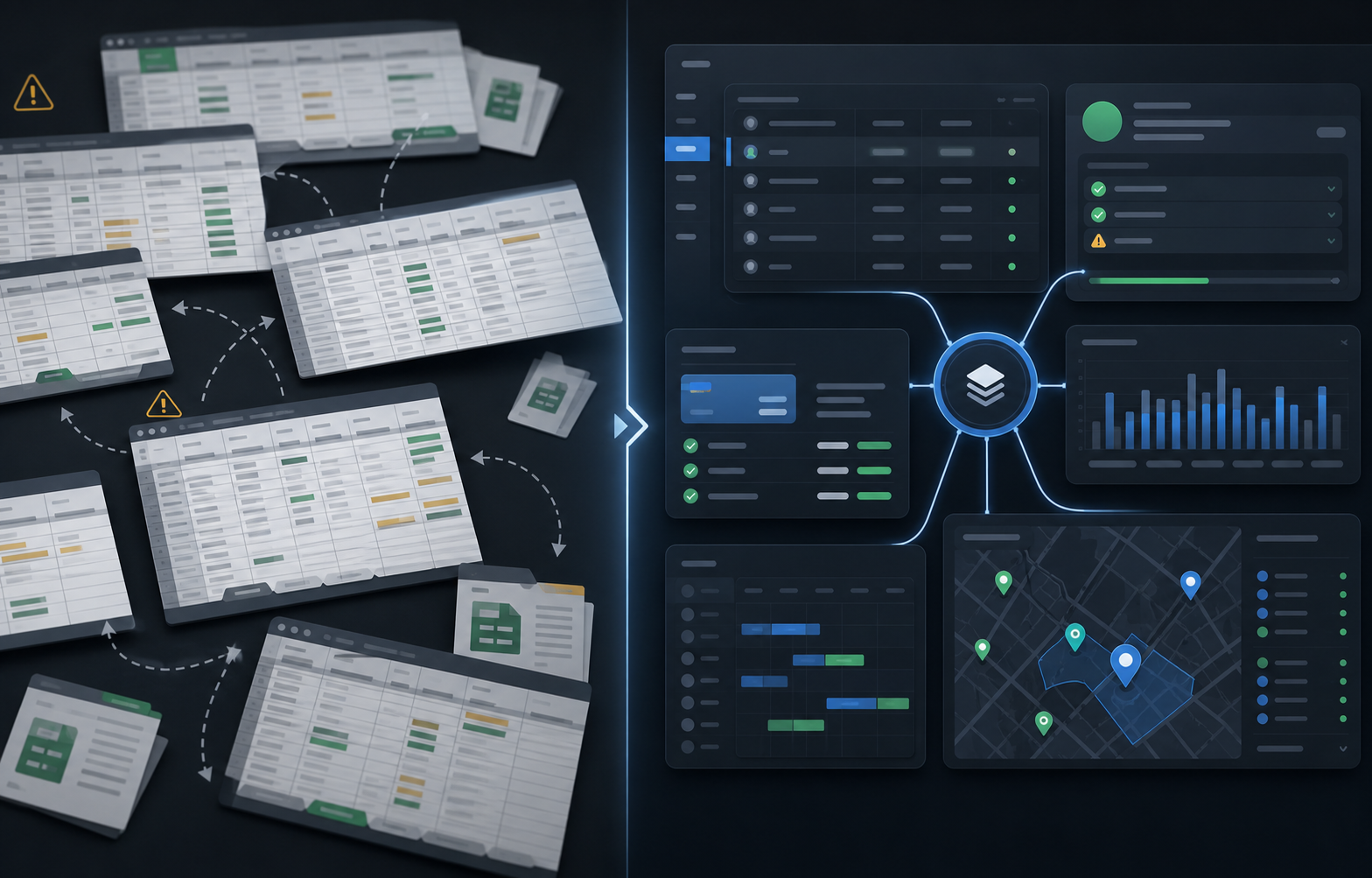
When evaluating booth assignment software, ask a vendor to demonstrate one assignment from intake through market day. The team should be able to see the vendor's readiness, requirements, assigned booth, session context, and any change history without hopping between a drawing tool and multiple spreadsheets. Also ask how public maps, staff packets, and vendor-facing instructions are generated and reviewed.
The best fit may be a simple tool for a simple market. For recurring markets with frequent changes, the more valuable choice is often one that connects the visual layout to the operating record.
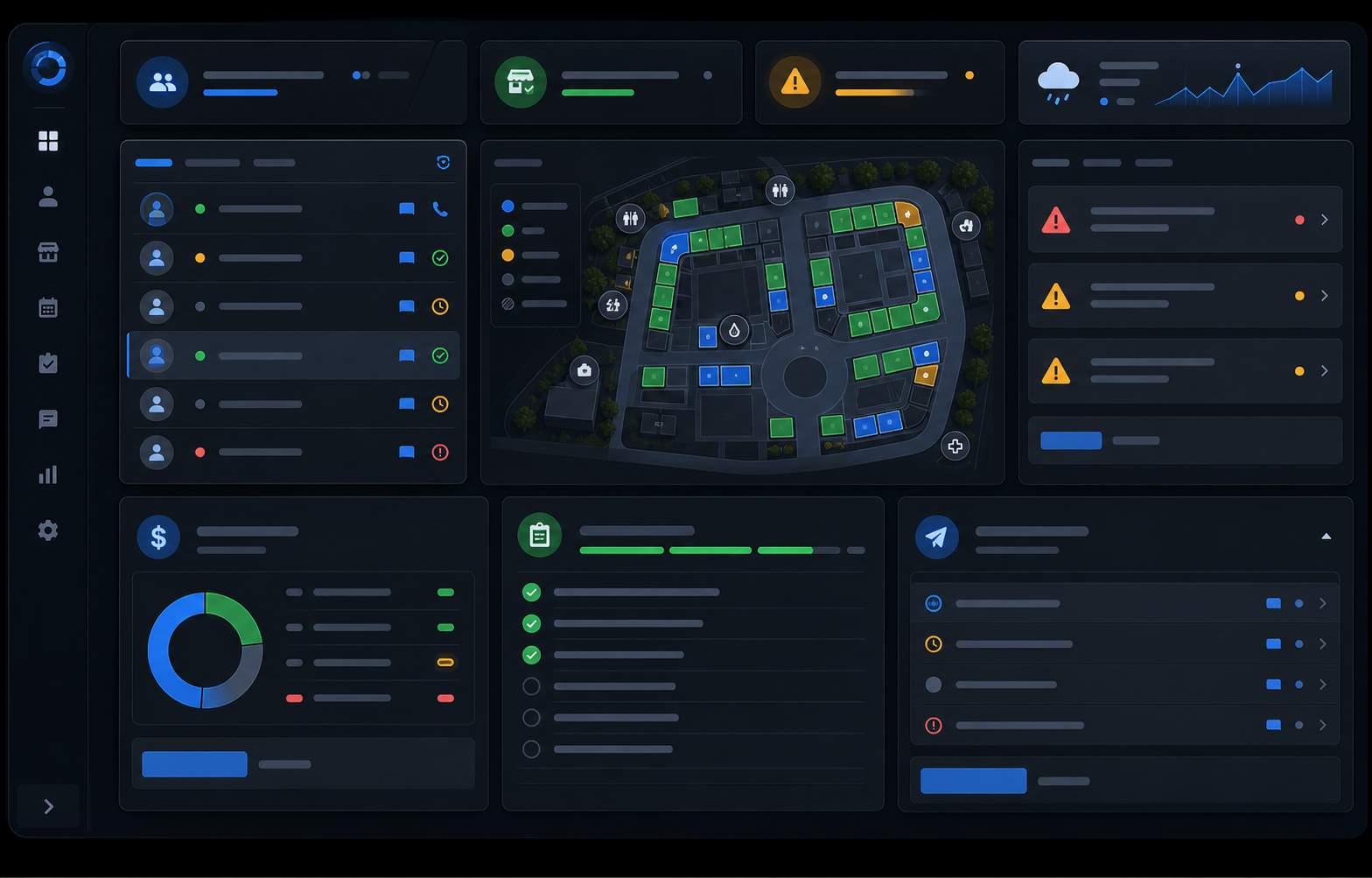
The Market Manager's farmers market map software is designed for that connected workflow: booth inventory, vendor assignments, review context, public-safe outputs, session records, and day-of changes. Use the checklist above to test whether it matches the way your market actually assigns space.
Explore the farmers market management software workflow
See how The Market Manager connects this resource topic to vendor applications, market-day operations, payments, permits, and reporting.
This action opens a related public workflow page selected from the article topic.