01
One operating record
Applications, vendors, permits, sessions, payments, and reports stay tied to the same market workflow.
Market money is operational, not just accounting. Teams need to know which fees apply, which vendors have balances, what was paid, what needs review, and how session closeout should be reported.
The Market Manager supports fee rules, tiered calculations, surcharges, exemptions, rounding, fee snapshots, billing runs, ledger entries, payments, receipts, settlements, carry-forward balances, reconciliation, and session closeout workflows.
Product image and outcome cards describing connected market operations.
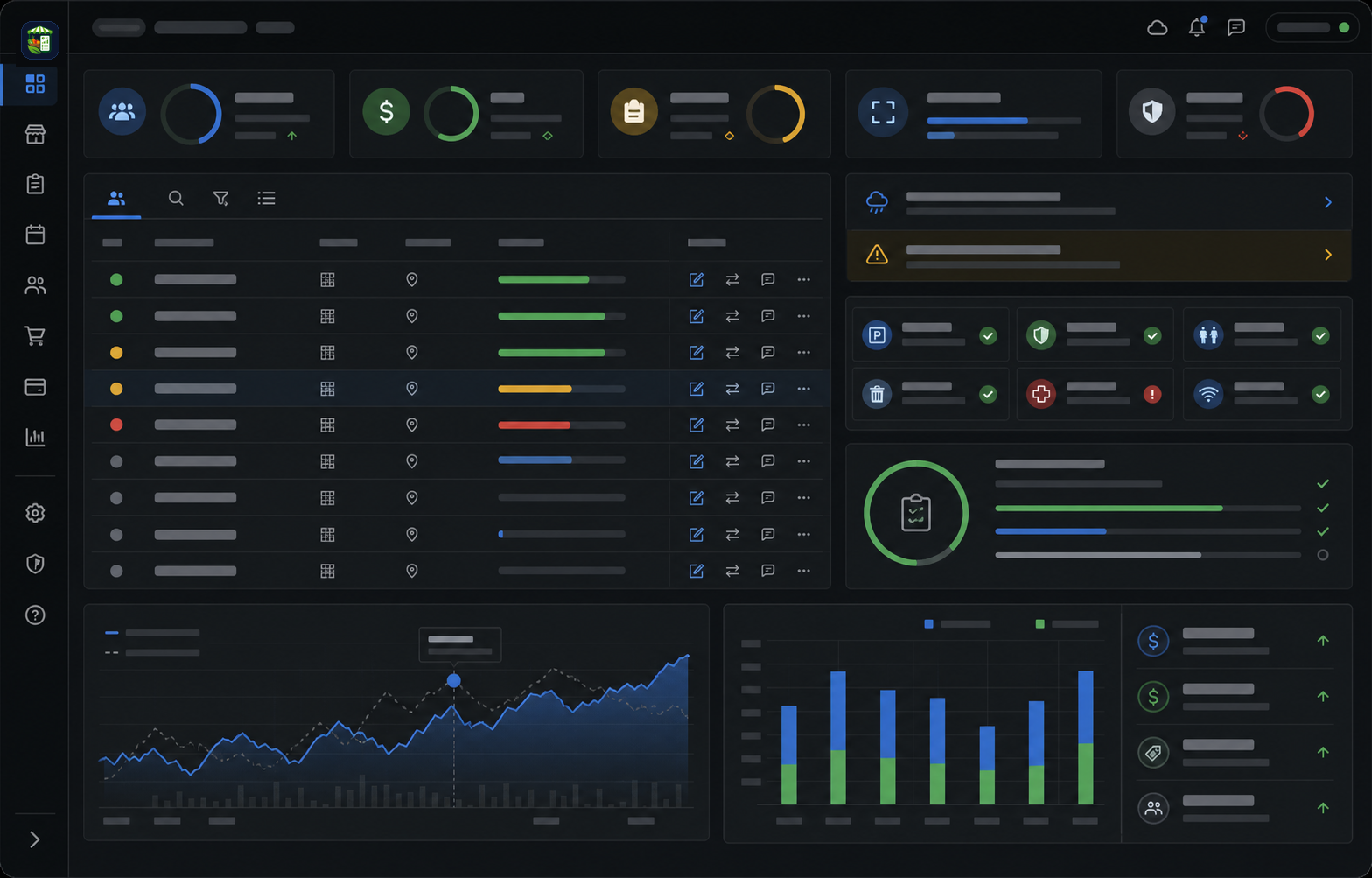
Applications, vendors, permits, sessions, payments, and reports stay tied to the same market workflow.
The team can see readiness, gaps, assignments, and closeout work without rebuilding the story in spreadsheets.
Operational context carries from intake to market day so managers can act before small problems become urgent.
Each part of the page maps to a real operating decision: what replaces the spreadsheet stack, how the team works through the week, what stays connected, and what managers should measure.
Markets rarely use one simple fee for every vendor. The Market Manager supports fee calculation workflows including tiered fee calculators, fee rules, surcharges, exemptions, rounding, and fee snapshots so the team can review money consistently.
A billing run should create a trusted record the team can review. The Market Manager supports billing runs, ledger entries, vendor balances, payment records, and receipts so market money is not reconstructed from scattered notes.
When balances are not resolved in one session, the team needs an honest carry-forward process. The Market Manager supports settlement and carry-forward workflows so unpaid balances and adjustments can remain visible.
Some markets need to review sales-related activity or reconcile point-of-sale imports without pretending the market management system is a full payment processor. The Market Manager supports POS sales event review, reconciliation, and closeout context where configured.
Fees and payments matter most when they tie back to market-day reality. The Market Manager connects financial posture to sessions, vendors, reports, benefit-program inputs, closeout approvals, exports, and follow-up.
The Market Manager should be described as market fee, billing, payment tracking, reconciliation, and closeout software. It should not be described as a standalone payment processor unless a payment processor integration is specifically enabled and verified.
Keep moving through the buying path with focused pages for adjacent workflows inside The Market Manager.
Direct answers for buyers comparing spreadsheets, form tools, and market-specific operating software.
Yes. The platform supports fee rules, tiered calculations, surcharges, exemptions, rounding, fee snapshots, billing runs, ledger entries, balances, receipts, settlements, and closeout workflows.
Yes. Vendor balances, payment posture, carry-forward amounts, and financial review context can be connected to sessions and vendor records.
Do not describe it as a standalone payment processor unless a verified payment processor integration is enabled. The stronger claim is fee, payment tracking, billing, reconciliation, and closeout workflow support.
Yes. Tiered fee calculator workflows, fee rules, exemptions, surcharges, and rounding can support more complex market fee structures.
Yes. Where configured, POS sales event review and reconciliation workflows can support financial closeout.
Fees, payments, receipts, ledgers, benefit-program inputs, closeout approvals, exports, and reports can stay tied to the session record.
Read the supporting guides, checklists, and comparisons behind this workflow.