Byline metadata identifies the public author, publish date, and most recent update month.
Article guide
Article metadata and section shortcuts for this public resource guide.
This action leaves the article and opens the searchable public resources index.
Browse all resourcesIn this guide
Jump to a section in this resource without leaving the article.
The article body can include headings, links, lists, quotes, and images from the published resource content.
Farmers Market Permit Tracking Guide
Permit tracking becomes difficult when the market treats every document as a generic upload. A useful process shows which requirement applies to which vendor, what staff reviewed, when it expires, and what should happen next. That gives the team a reliable readiness picture before market day instead of a last-minute search through inboxes and folders.
Use this guide to organize vendor requirements for a farmers market or recurring vendor program. It is an operations guide, not legal, regulatory, insurance, or food-safety advice. Requirements differ by location, vendor type, product, and market policy; the relevant authority and your written agreement should control.
Build a requirement inventory before collecting documents
Start with the requirements the market actually uses. List the name of each requirement, the vendor categories it applies to, the evidence staff need to review, the person responsible for the decision, and the renewal or expiration rule. Do not ask every vendor for every document simply because another vendor needs it.
For each requirement, define:
- The vendor types, products, or operating conditions that make it applicable.
- What counts as a complete submission and what staff can verify from the document.
- Whether the item is needed with the application, after approval, or before a particular market date.
- The document owner, reviewer, and escalation contact.
- The status language staff will use when the item is missing, under review, accepted, expiring, expired, or not applicable.
This inventory prevents a spreadsheet from becoming a list of filenames with no operating meaning.
Keep the vendor, document, and decision connected
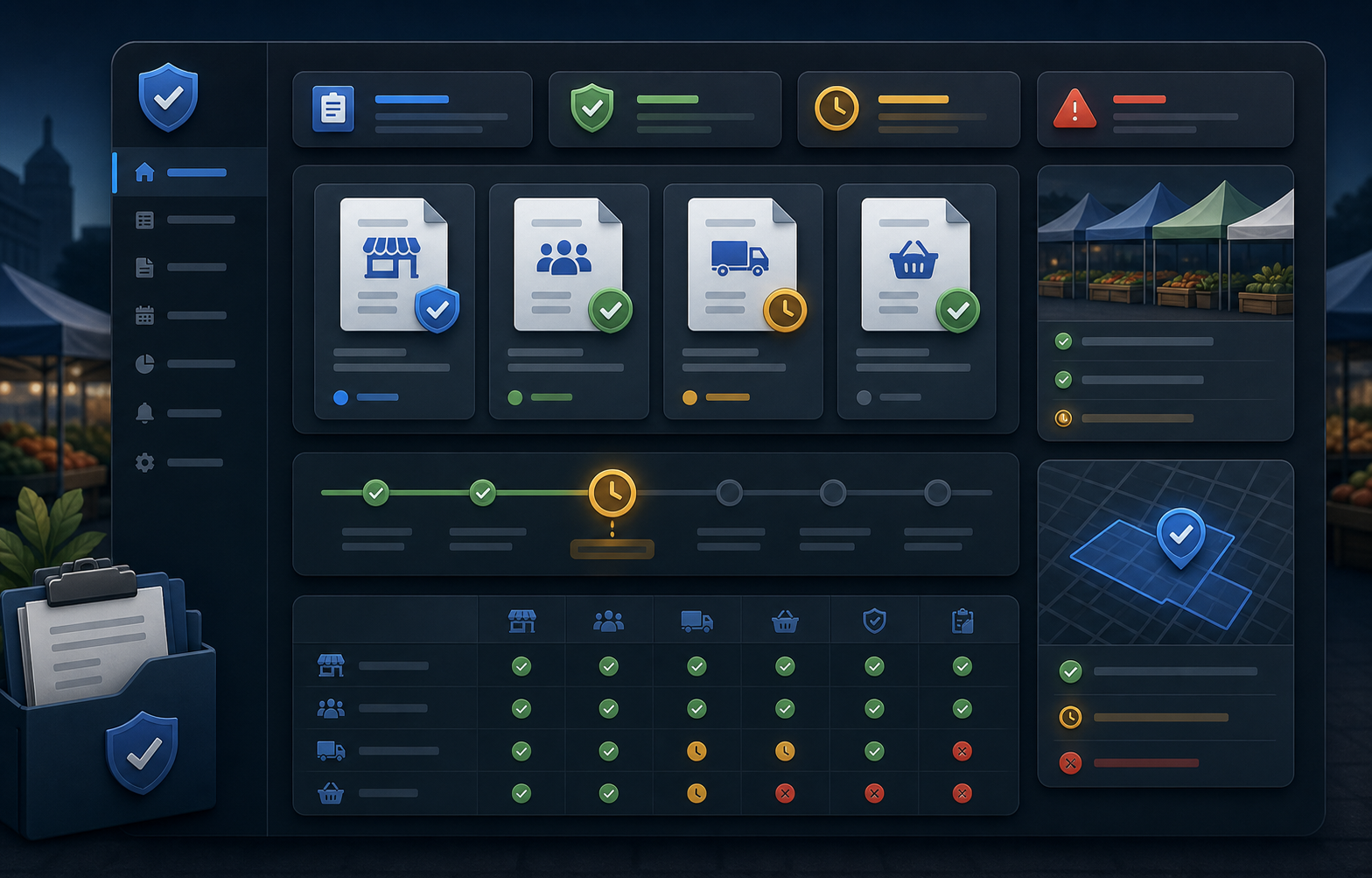
One vendor may have several requirements, and one requirement may apply to many vendors. Track the relationship, not just a file location. The team should be able to answer which vendor needs what, when it was reviewed, who made the decision, and whether the result affects the next session.
Store the document alongside a short decision record:
- The date it was received and the date staff reviewed it.
- The validity or expiration date when the document has one.
- The current status and the person who owns the next action.
- Any approved exception, including its scope and review date.
- A vendor-facing message or follow-up needed to resolve a gap.
Keep private reviewer notes separate from the vendor-facing status. A vendor may need to know that an update is required without seeing internal deliberation, comparisons, or staff assignments.
Use expiry dates as a planning signal
An expiry date matters only when it triggers action early enough for the vendor and market to respond. Choose a review rhythm that fits the market calendar: for example, a seasonal pre-opening review, a monthly review for recurring markets, and a short check before each session when the market has time-sensitive requirements.
Create clear thresholds such as upcoming, due soon, expired, and exception under review. The exact number of days will vary by policy, but the team should agree on what each threshold means. An alert that names neither an owner nor a next action is just another item in an inbox.
Run a 15-minute permit review before market day
Before the team finalizes the roster or map, review the vendors who are expected at the next session. Focus on exceptions and changes rather than reopening every completed record.
- Confirm new, returning, substituted, and recently changed vendors have the applicable requirements.
- Flag items that are missing, expiring, or still under review.
- Decide whether each issue has a vendor follow-up, manager decision, documented exception, or escalation path.
- Record the decision before communicating a booth, arrival instruction, or market-day change.
- Make sure the staff member handling arrivals can see the current status without accessing unnecessary private files.
This is not a substitute for a required inspection or legal review. It is the operational checkpoint that keeps an avoidable documentation surprise from becoming a market-day scramble.
Record exceptions instead of relying on memory
Exceptions happen: a vendor may be waiting for a renewal, a local rule may change, or a manager may authorize a limited next step under the market's policy. Record the reason, owner, scope, date, and follow-up. Do not leave a verbal decision as the only evidence of why a vendor appeared ready.
At closeout, review any exception that affected the session. Decide whether it is resolved, needs a future document, or should change the next market's planning. This turns one-off decisions into operating memory instead of repeating the same conversation every week.
Protect private documents while keeping readiness visible
Staff running a market day usually need a clear readiness signal, not unrestricted access to every uploaded file. Separate public information, vendor-visible status, manager-only notes, and sensitive documents. Give each role the minimum context needed to make the next decision and keep the complete document trail available only to the appropriate reviewers.
That boundary helps the team move quickly without exposing personal information, private notes, or documents in a public map, roster, or shared shift message.
Measure the process after each market cycle
Review the permits and requirements process at the end of a market cycle. Count the late follow-ups, expired items discovered on market day, unresolved exceptions, and time staff spent finding records. These are better signals than the total number of documents stored.
The Market Manager's farmers market management software keeps requirements, document review, vendor context, session planning, and follow-up close to the same operating record. Use the checklist above to evaluate whether your current process preserves the information the next market day needs.
Explore the farmers market management software workflow
See how The Market Manager connects this resource topic to vendor applications, market-day operations, payments, permits, and reporting.
This action opens a related public workflow page selected from the article topic.