Byline metadata identifies the public author, publish date, and most recent update month.
Article guide
Article metadata and section shortcuts for this public resource guide.
This action leaves the article and opens the searchable public resources index.
Browse all resourcesIn this guide
Jump to a section in this resource without leaving the article.
The article body can include headings, links, lists, quotes, and images from the published resource content.
Farmers Market Application Software vs Google Forms
Google Forms can be a practical starting point for a farmers market application. It is familiar, quick to configure, and useful when the team needs to gather a limited set of answers. The important comparison is not whether a form can collect information. It is what happens after a vendor submits it.
For recurring markets, the application is usually the first handoff in a longer operating workflow: review, follow-up, documents, approval, vendor records, booth planning, communication, and market-day preparation. This guide helps teams decide when a form is enough and when connected application software is worth the change.
Where a standalone form works well
A standalone form can be the right choice for a small, infrequent, or simple intake process. It works best when one person reviews submissions, few documents are required, acceptance decisions are straightforward, and the information does not need to drive several later workflows. It can also remain useful for one-off surveys, volunteer signups, or narrowly scoped feedback.
Set expectations clearly when using a form. Decide where submissions will be reviewed, where supporting files will be stored, how vendors will be contacted, and which record becomes the source of truth after approval. A form alone does not make those decisions; the operating team still needs a reliable process around it.
Where forms start to create rework
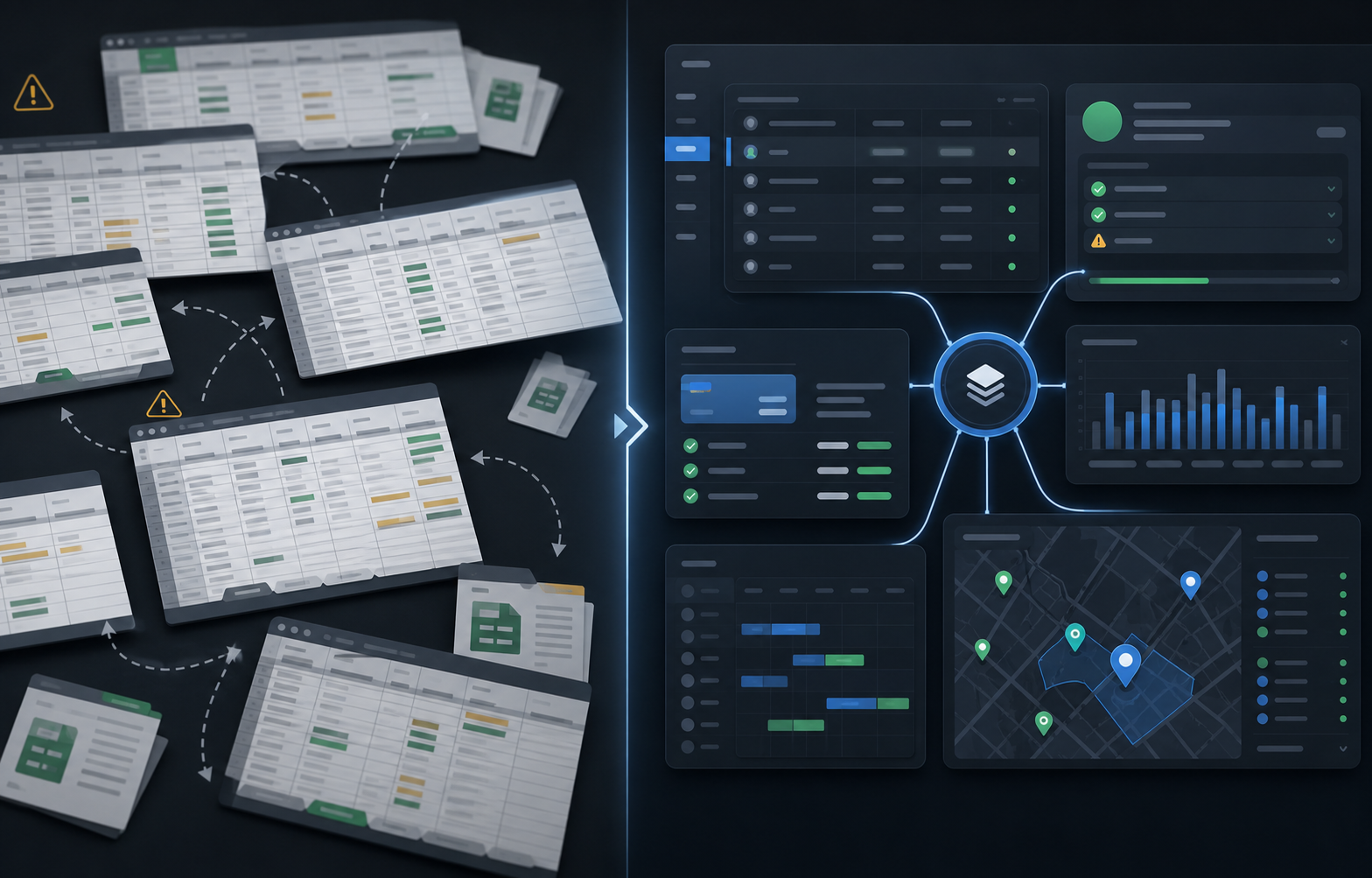
The pressure usually appears after submission. A reviewer may need to request missing details, compare documents, track a status, notify the applicant, create a vendor record, assign a booth, or carry notes into the next market session. When each of those tasks starts in a separate spreadsheet or inbox, the team repeats the same data entry and loses the context behind a decision.
Watch for these signals:
- Staff export or copy responses into another tracker before review can begin.
- Applicants ask for status because the team cannot show a consistent review state.
- Supporting documents are attached to email threads rather than the vendor context.
- Approval requires retyping the same contact, category, or product information elsewhere.
- The team cannot tell which information is current when a vendor returns next season.
These are workflow problems, not failures of the form. They indicate the market needs a system that carries the submission into the next step.
Compare applicant communication, not just the first screen
Ask how the team will acknowledge a submission, request a correction, record a review decision, and communicate approval or waitlist status. A clear process reduces vendor uncertainty and prevents staff from rebuilding the same message from scratch. It also makes it easier to distinguish a missing item from a declined application.
When evaluating application software, test a realistic scenario: submit an incomplete application, request a document, update the record, approve the vendor, and confirm what the vendor and staff can see. The result should preserve the original submission and the reason for each follow-up without exposing private staff notes publicly.
Make document collection reviewable
Markets often need permits, insurance, certifications, photos, product details, or other supporting materials. A useful application workflow lets the team define which requirements apply, see what is missing, review the file in context, and keep expiration or follow-up visible after approval. It should also make clear which information is for staff only and which details may later be public.
Avoid treating every upload as complete. Decide who reviews it, what qualifies it as valid, how exceptions are recorded, and what happens if it expires before market day. These rules matter whether the team uses a form or connected software; the difference is whether the system helps preserve the decision history.
Test the approval handoff
The most revealing product demonstration begins when an applicant is accepted. Can the submission become a vendor record without duplicate entry? Do the approved vendor's category, documents, communication history, and requirements remain available when the team plans a session or assigns a booth? Can staff report on the application cycle later?
If the answer is no, budget for the manual handoff. A standalone form may still be the best value for a simple process. For a recurring market, that handoff is often where teams discover the value of connected intake.
When connected application software is worth it
Connected application software is worth considering when vendor intake must reliably feed review, document tracking, approval, communications, market planning, and future seasons. Start with one application program and measure review time, missing-information follow-up, duplicate entry, and the effort needed to prepare the first market day.
The Market Manager's vendor application software is designed for that broader workflow. It connects public applications to applicant review, vendor records, requirements, market operations, and reporting so teams can decide from a real process rather than a generic feature list.
Explore the farmers market management software workflow
See how The Market Manager connects this resource topic to vendor applications, market-day operations, payments, permits, and reporting.
This action opens a related public workflow page selected from the article topic.