Byline metadata identifies the public author, publish date, and most recent update month.
Article guide
Article metadata and section shortcuts for this public resource guide.
This action leaves the article and opens the searchable public resources index.
Browse all resourcesIn this guide
Jump to a section in this resource without leaving the article.
The article body can include headings, links, lists, quotes, and images from the published resource content.
How to Manage Vendor Applications for Farmers Markets
Updated: January 2026
Managing vendor applications is one of the most important parts of running a farmers market, because this is where intake turns into live operations.
Applications are not just form entries. In a recurring market, they feed review decisions, follow-up requests, applicant updates, vendor creation, market attachments, and later readiness work.
This guide explains how to manage farmers market vendor applications using the kind of workflow The Market Manager actually supports.
What are farmers market vendor applications?
Farmers market vendor applications are structured submissions tied to a public application program. They usually capture business details, contact information, product information, requested files, vendor type, and any market-specific requirements the team needs before review.
A good vendor application process helps market teams review applicants consistently, request follow-up cleanly, and hand approved applicants into the live vendor roster without rebuilding the record later.
Quick summary
To manage vendor applications for a farmers market, you need to:
- set up a public application program
- collect the right business, product, and file details
- review applications in one queue
- request more information when needed
- use the real status model instead of improvised spreadsheet notes
- give applicants a portal for updates
- hand approved applications into vendor records and market attachments
- keep the full history for future seasons and recurring markets
Table of contents
- Start with a real application program
- Collect the right vendor information
- Organize applications in one queue
- Review applications consistently
- Request more information and track resubmissions
- Use the actual application status model
- Hand approved applications into live vendor records
- Keep readiness connected without inventing new statuses
- Prepare approved vendors for market day
- Keep application history for future markets
Step 1: Start with a real application program
In this product, applications begin with a public application program.
That program defines:
- which markets the intake belongs to
- which vendor types it supports
- which requirements and uploads are needed
- whether the program is publicly available
- what applicants should see during intake
This is stronger than a standalone form because the program controls the intake rules before the first application even arrives.
Step 2: Collect the right vendor information
A strong application should capture enough detail for review and later handoff without becoming so long that vendors abandon it.
Common fields include:
- business name
- contact name
- email address
- phone number
- vendor type
- product details
- market scope or availability
- requested permits or licenses
- insurance details
- booth or setup needs
- uploaded files tied to requirements
The real goal is not to collect everything at once. It is to collect what your team needs to move the application through review and into a live vendor record.
Step 3: Organize applications in one queue
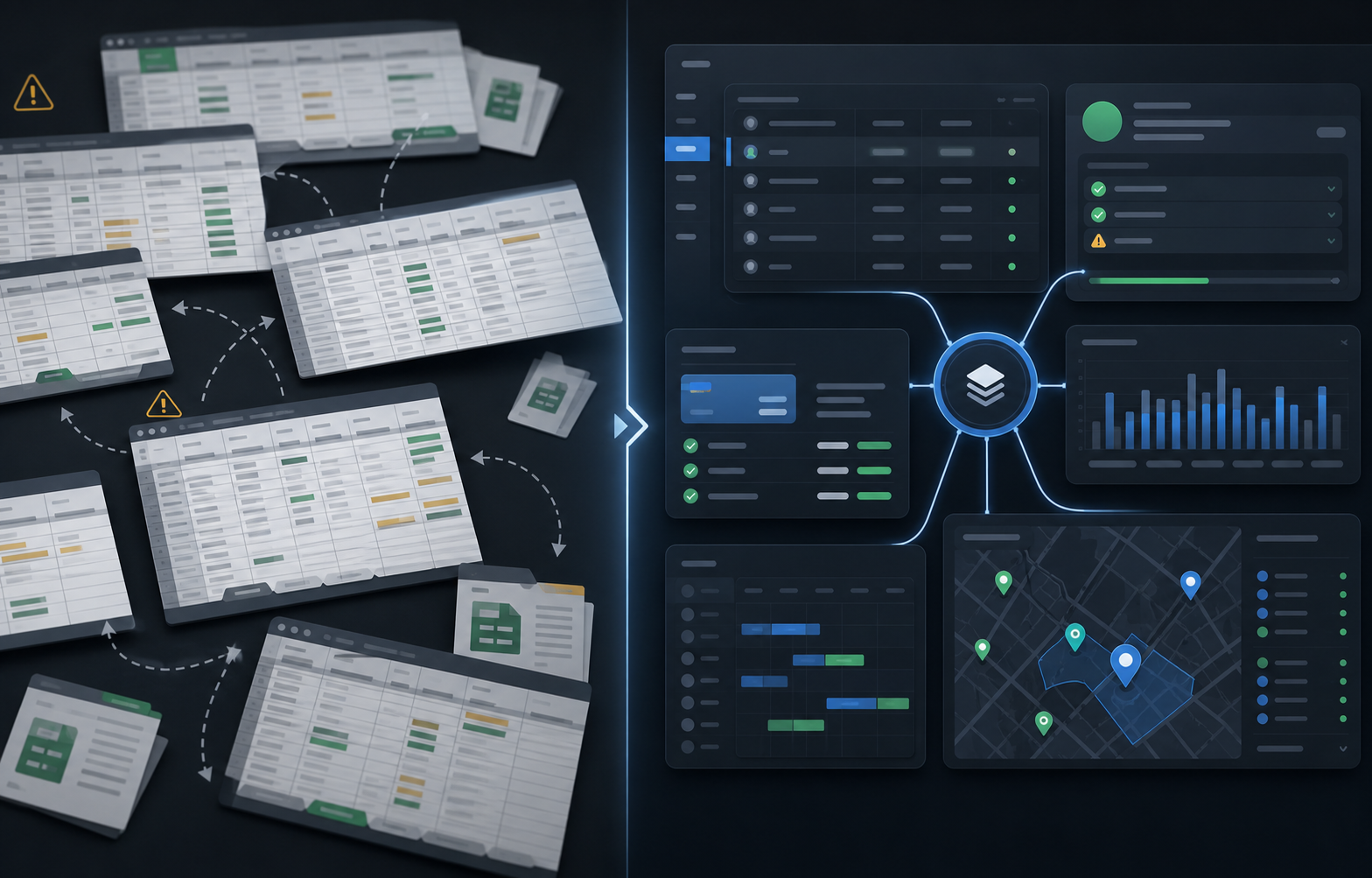
Applications should land in one review queue, not across form emails, shared drives, and spreadsheets.
At minimum, your team should be able to see:
- what is newly submitted
- what is under review
- what needs more information
- what has been resubmitted
- what is approved or denied
- which applications still need a handoff to a vendor record
That is where a real application workspace becomes more useful than a spreadsheet.
Step 4: Review applications consistently
Every market has its own review standards.
Your team may care about:
- product fit
- vendor category balance
- permit readiness
- booth or equipment needs
- market availability
- program-specific rules
The point of the queue is not only visibility. It is consistent decision-making, so review is not happening from memory or scattered email notes.
Step 5: Request more information and track resubmissions
Many applications need follow-up before they can be reviewed cleanly.
The actual workflow here supports:
- requesting more information
- moving the application into
needs more info - letting the applicant respond in the portal
- bringing the application back as
resubmitted
That is much cleaner than chasing documents through inboxes and then trying to remember which attachment was the final one.
Step 6: Use the actual application status model
One of the easiest ways for application tracking to become sloppy is inventing too many spreadsheet-only states.
The real application status model in this product is:
- draft
- submitted
- under review
- needs more info
- resubmitted
- approved
- denied
- withdrawn
- archived
That gives your team a reliable review model without pretending payment state or waitlist logic are core application statuses when they actually belong to later workflows.
Step 7: Hand approved applications into live vendor records
Approval is not the finish line. It is the transition into live operations.
In this workflow, approved applications can be handed off into:
- a vendor record
- a vendor type
- one or more market attachments
- the active roster your team will use later
This is one of the biggest advantages of using farmers market management software built for recurring markets instead of a standalone form tool.
Step 8: Keep readiness connected without inventing new statuses
After approval, the real work is usually around readiness:
- permits
- payment state
- booth fit
- session participation
Those things matter, but they do not need to become fake application statuses.
It is better to let the application finish cleanly, then let the vendor, permit, session, and fee workflows carry the next stage of operations.
Step 9: Prepare approved vendors for market day
Once a vendor exists in the live roster, your team can connect them to:
- booth planning
- permit review
- sessions and invite links
- billing and fee review
- notes and follow-up
That is when application management becomes ongoing vendor management instead of a one-time intake process.
Step 10: Keep application history for future markets
Recurring markets benefit from full history.
Application history helps your team understand:
- who applied before
- what was approved or denied
- what information had to be resubmitted
- which application turned into which vendor record
That makes each future intake cycle easier.
Why spreadsheets break down
Spreadsheets can list applications, but they do not naturally support:
- review queue status
- applicant follow-up
- portal updates
- structured file review
- handoff into vendor records
That is why teams usually move toward vendor management software once the process stops being small.
A better way to manage vendor applications
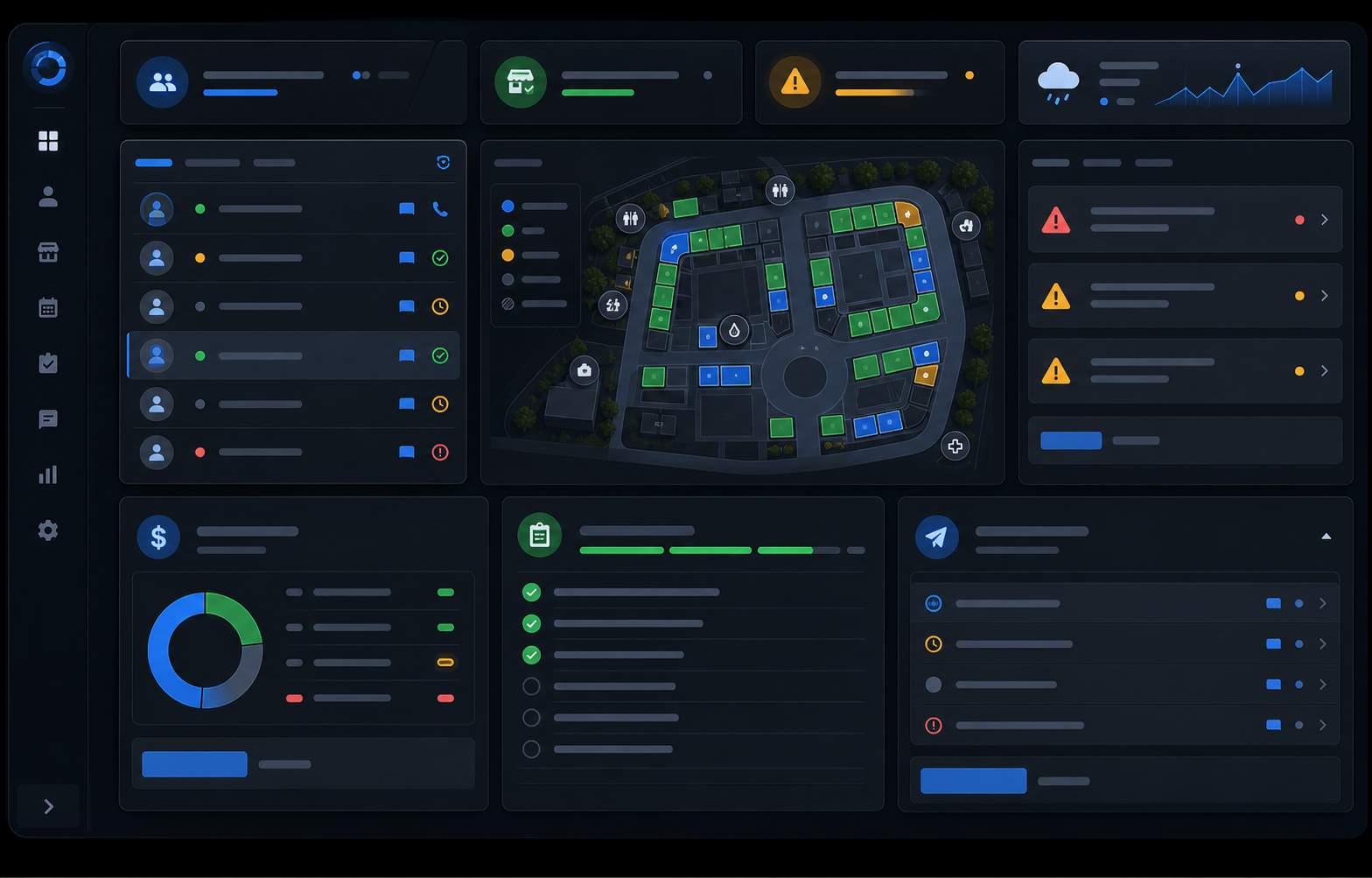
The Market Manager is farmers market management software built for recurring markets. It helps teams manage public application programs, review queue status, applicant updates, approvals, and handoff into live vendor records in one connected workflow instead of scattered spreadsheets and email threads.
Frequently asked questions
What should be included in a farmers market vendor application?
Usually the application should include business details, contact information, product details, vendor type, required files, permits or insurance information, and any market-specific setup needs.
How do farmers markets review vendor applications?
Most markets review applications based on product fit, category balance, permit posture, market availability, and program-specific requirements. A real review queue makes that process more consistent.
What happens after a vendor application is approved?
In a connected workflow, the approved application is handed off into a live vendor record so the same data can be used for booth maps, permits, sessions, and billing.
Related resources
- How to run a farmers market
- How to collect vendor payments for a farmers market
- How to manage vendor permits and compliance for a farmers market
- See pricing
See how it works
Most teams start looking for a better process once vendor applications, follow-up, and applicant updates become too difficult to manage across spreadsheets.
If you are ready to manage vendor applications without disconnected tools:
Explore the farmers market management software workflow
See how The Market Manager connects this resource topic to vendor applications, market-day operations, payments, permits, and reporting.
This action opens a related public workflow page selected from the article topic.