Byline metadata identifies the public author, publish date, and most recent update month.
Article guide
Article metadata and section shortcuts for this public resource guide.
This action leaves the article and opens the searchable public resources index.
Browse all resourcesIn this guide
Jump to a section in this resource without leaving the article.
The article body can include headings, links, lists, quotes, and images from the published resource content.
How to Assign Booths and Layout a Farmers Market
Updated: January 2026
Assigning booths and designing your market layout is one of the most visible and stressful parts of running a farmers market.
This is where approvals, vendor readiness, physical space, and last-minute operational changes all meet.
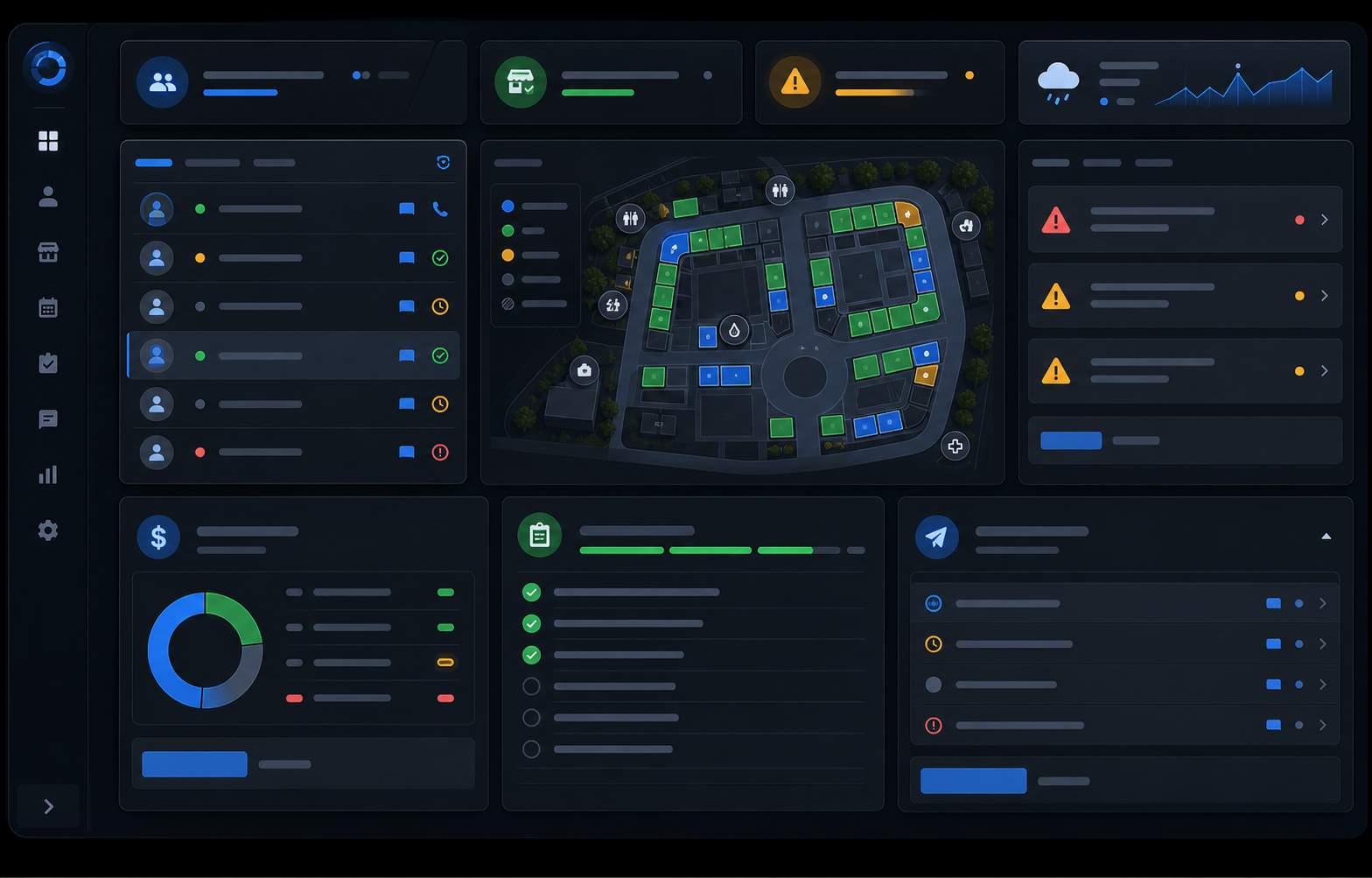
This guide explains how to assign booths and manage a farmers market layout using the kind of map workflow The Market Manager actually supports.
What is farmers market booth layout?
Farmers market booth layout is the process of organizing vendors and map features inside a real market footprint.
In this system, that usually means managing:
- numbered booths
- booth zones
- roads and service lanes
- foot-traffic paths
- entries and exits
- restrooms, handwash stations, info points, dining areas, and other map elements
A strong layout workflow helps your team place vendors clearly, react to changes quickly, and keep physical operations readable before market day starts.
Quick summary
To assign booths and layout a farmers market, you need to:
- define the grid and physical footprint
- create zones and map features
- attach the right vendors to the right market
- assign vendors to booths with fit checks
- track open, assigned, unavailable, or conflict booths clearly
- swap or move booths quickly when something changes
- reuse layouts for recurring markets
Table of contents
- Define the market footprint
- Create booth zones and map features
- Attach the right vendors to the market first
- Assign vendors to booths
- Track booth state clearly
- Handle last-minute changes fast
- Prepare the final market-day map
Step 1: Define the market footprint
Start with the real space your market uses.
That includes:
- booth inventory
- booth sizes
- walkways
- service lanes
- entry and exit points
- fixed obstacles
- any recurring layout pattern the market reuses
In this product, the map is grid-based, so the physical layout has a structure the team can keep using instead of redrawing each week.
Step 2: Create booth zones and map features
Booths are only part of the map.
The map workspace also supports operational features such as:
- roads
- foot-traffic paths
- dining areas
- entries
- restrooms
- handwash stations
- info booths
- trash or utility features
That matters because a good market layout is not just where vendors go. It is how the whole space works.
Step 3: Attach the right vendors to the market first
Before a vendor can be assigned a booth, they need to belong to that market.
That seems obvious, but it is one of the best guardrails in a connected system:
- vendor records live in the roster
- markets define where they participate
- booth assignment only works cleanly once that relationship exists
This reduces accidental placement errors and keeps the map grounded in the real vendor list.
Step 4: Assign vendors to booths
Once the map is ready and vendors are attached to the market, booths can be assigned.
Assignments should consider:
- vendor category
- booth size
- power or setup needs
- premium placement
- open versus unavailable booths
- current readiness
The real system also enforces practical checks, such as preventing the same vendor from being assigned to multiple booths at once inside the same market map.
Step 5: Track booth state clearly
Your team should be able to see booth state without guessing.
Typical booth states in this workflow include:
- open
- assigned
- unavailable
- conflict
That gives the team a clean view of what is usable, what is placed, and what still needs attention.
Step 6: Handle last-minute changes fast
This is where the map workspace becomes much more useful than a static diagram.
The real map workflow supports quick actions like:
- clearing a vendor from a booth
- marking a booth unavailable
- reopening a booth
- toggling booth attributes
- swapping two booths
That makes it much easier to react when a vendor cancels, arrives late, changes setup needs, or when the layout needs to be rebalanced quickly.
Step 7: Prepare the final market-day map
Before the market opens, your team should have one map that shows:
- who is assigned where
- which booths are still open
- which map features affect flow
- which vendors still need attention before they are truly ready
That is what turns the map from a visual reference into a real operating tool.
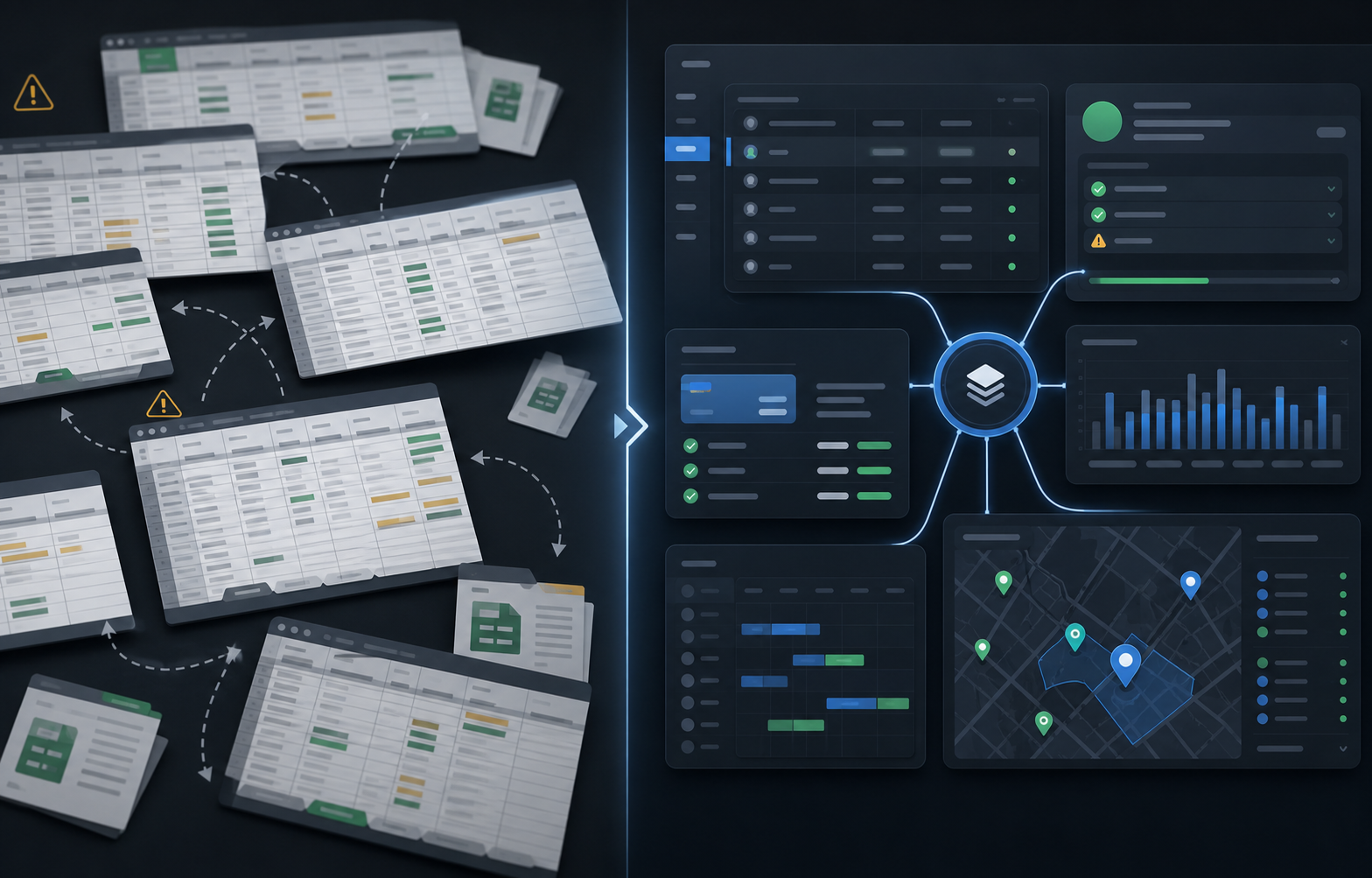
Why spreadsheets break down
Spreadsheets can list booth numbers, but they do not naturally show:
- physical layout
- map features
- booth state
- fit conflicts
- vendor-to-market assignment rules
- fast swaps during last-minute changes
That is why layout is one of the clearest areas where vendor management software becomes operationally useful.
A better way to manage booth layout
The Market Manager is farmers market management software built for recurring markets. It helps teams manage booth zones, map features, vendor fit checks, booth assignments, and fast swaps in one connected workflow instead of static diagrams and spreadsheet updates.
Frequently asked questions
How do farmers markets assign booths?
Most markets assign booths based on vendor category, booth size, setup needs, market attachment, and overall balance across the map.
Why is a live booth map better than a spreadsheet?
A live map shows physical layout, vendor placement, booth state, and operational features in one place, which makes last-minute changes much easier to manage.
What should be included in a farmers market layout?
A useful layout usually includes booths, zones, roads, walkways, entries, restrooms, handwash points, dining areas, and any other features that affect vendor or customer flow.
Related resources
- How to run a farmers market
- How to manage vendor applications for farmers markets
- How to manage vendor permits and compliance for a farmers market
- See pricing
See how it works
Most teams start looking for a better system when booth assignments and map changes become too difficult to manage manually.
If you want to manage booth layouts without spreadsheets or static maps:
Explore the farmers market management software workflow
See how The Market Manager connects this resource topic to vendor applications, market-day operations, payments, permits, and reporting.
This action opens a related public workflow page selected from the article topic.